

Your graphics add a nice touch to my presentations and I recently used them for one of my all-hands meetings. Your toolbox adds professionalism to my slides. Instead of using standard clipart.
Claude Jones, Director of Engineer, @Walmartlabs, USA

Your graphics add a nice touch to my presentations and I recently used them for one of my all-hands meetings. Your toolbox adds professionalism to my slides. Instead of using standard clipart.
Claude Jones, Director of Engineer, @Walmartlabs, USA
I needed a fresh look at some of my slides. I've tried to find a way to create a paintbrush effect, to underline, accentuate, add some color and the handwritten markers were just the things. Very easy to use, easy to size, change the color. It was an affordable, perfect solution and I'm happy to recommend it.
Anonymous, US
The crisp, clean look of the graphics, and the fact that it allowed me to easily edit and change the colors to match the template was my main reason for purchasing them.
Brandie Jenkins, E-learning Developer, USA
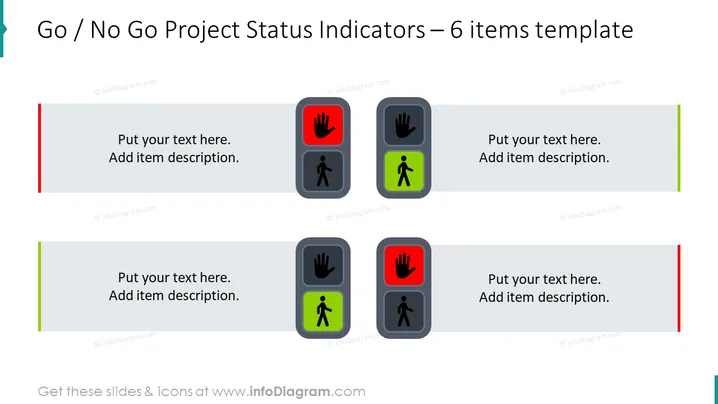
The slide is designed to provide a quick visual reference for project status evaluation, using 'Go' or 'No Go' indicators. Each item is paired with an icon—either a green figure to indicate 'Go' or a red hand to signify 'No Go'. This format is typically used to represent whether parts of a project meet the criteria to proceed or require additional work or assessment before moving forward.
The overall appearance is straightforward and uses universal symbols to communicate the go-ahead or halt status, making it easily interpretable at a glance.
This slide is suitable for project management meetings to indicate the readiness of different project components, decision-making processes to approve project phases or status updates where quick visual cues are needed to show progress.



