

Your graphics add a nice touch to my presentations and I recently used them for one of my all-hands meetings. Your toolbox adds professionalism to my slides. Instead of using standard clipart.
Claude Jones, Director of Engineer, @Walmartlabs, USA

Your graphics add a nice touch to my presentations and I recently used them for one of my all-hands meetings. Your toolbox adds professionalism to my slides. Instead of using standard clipart.
Claude Jones, Director of Engineer, @Walmartlabs, USA
I needed a fresh look at some of my slides. I've tried to find a way to create a paintbrush effect, to underline, accentuate, add some color and the handwritten markers were just the things. Very easy to use, easy to size, change the color. It was an affordable, perfect solution and I'm happy to recommend it.
Anonymous, US
The crisp, clean look of the graphics, and the fact that it allowed me to easily edit and change the colors to match the template was my main reason for purchasing them.
Brandie Jenkins, E-learning Developer, USA
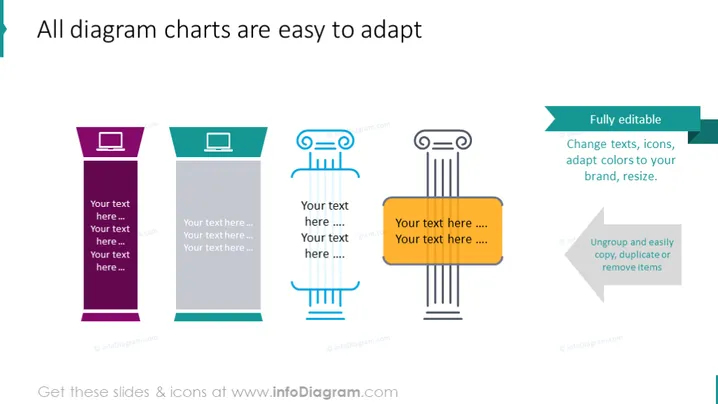
This PowerPoint slide is designed to showcase the adaptability of diagram charts. It emphasizes that all diagrams on the slide are "Fully editable," which includes changing texts, icons, adapting colors to your brand, and resizing. There is a clear indication that items can be easily ungrouped, copied, duplicated, or removed to meet the presenter's needs. Each diagram features placeholder text to illustrate how information can be inserted.
The slide has a modern and professional appearance with a clean layout and a colorful yet coherent visual scheme. The use of different shapes and icons alongside a consistent design aesthetic makes it clear that these diagrams are part of the same collection yet individually customizable.



