

Your graphics add a nice touch to my presentations and I recently used them for one of my all-hands meetings. Your toolbox adds professionalism to my slides. Instead of using standard clipart.
Claude Jones, Director of Engineer, @Walmartlabs, USA

Your graphics add a nice touch to my presentations and I recently used them for one of my all-hands meetings. Your toolbox adds professionalism to my slides. Instead of using standard clipart.
Claude Jones, Director of Engineer, @Walmartlabs, USA
I needed a fresh look at some of my slides. I've tried to find a way to create a paintbrush effect, to underline, accentuate, add some color and the handwritten markers were just the things. Very easy to use, easy to size, change the color. It was an affordable, perfect solution and I'm happy to recommend it.
Anonymous, US
The crisp, clean look of the graphics, and the fact that it allowed me to easily edit and change the colors to match the template was my main reason for purchasing them.
Brandie Jenkins, E-learning Developer, USA
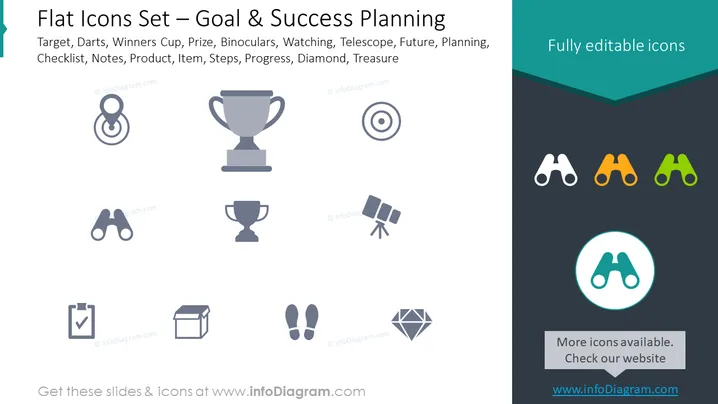
The PowerPoint slide showcases a collection of symbols representing different elements related to goal setting and success planning. This includes targets and darts illustrating precision and focus, a winner's cup denoting victory, binoculars for foresight and observation, a telescope suggesting vision, a checklist for organization, a product box implying project completion or delivery, footsteps for progress, and a diamond representing value or reward.
The overall look of the slide is clean and modern, structured to deliver quick visual messages through symbolic representation. The color contrast between the icons and the background ensures legibility and highlights the icons for a clear and focused viewer experience.



