
Reviews
Sus gráficos añaden un toque agradable a mis presentaciones y recientemente los usé para una de mis reuniones generales. Su conjunto de herramientas añade profesionalismo a mis diapositivas. En lugar de usar imágenes prediseñadas estándar.
Necesitaba un aspecto fresco para algunas de mis diapositivas. Había intentado encontrar una forma de crear un efecto de pincel, de subrayar, acentuar, añadir algo de color y los marcadores escritos a mano fueron justo lo que necesitaba. Muy fácil de usar, fácil de ajustar el tamaño, cambiar el color. Fue una solución asequible y perfecta, y estoy feliz de recomendarla.
El aspecto nítido y limpio de los gráficos, y el hecho de que me permitiera editar y cambiar fácilmente los colores para que coincidieran con la plantilla fue mi principal razón para comprarlos.
Description
Energy production
Slide Content
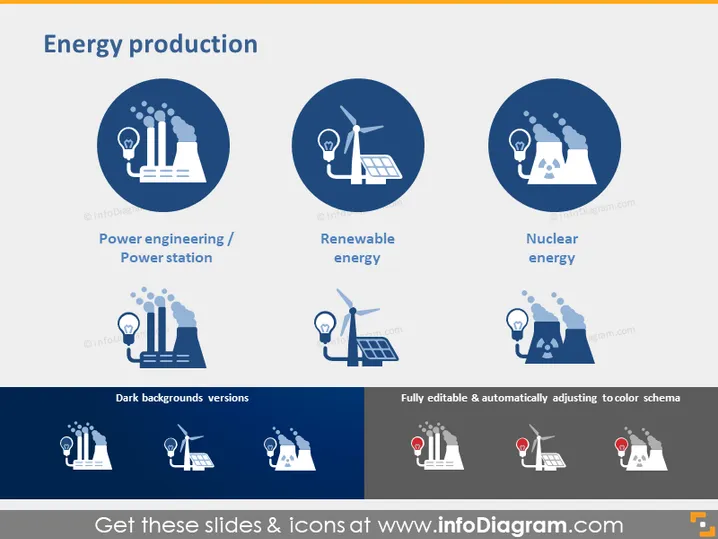
The PowerPoint slide is titled "Energy production" and features three main categories: Power engineering/Power station, Renewable energy, and Nuclear energy. Power engineering represents traditional methods of electricity generation through fossil fuels, depicted by factory-like structures emitting smoke next to a light bulb. Renewable energy refers to eco-friendly sources, symbolized by wind turbines alongside a light bulb. Nuclear energy suggests electricity production from nuclear sources, indicated by a cooling tower with atomic symbols and a light bulb.
Graphical Look
- A large, bold title "Energy production" centered at the top in dark blue font.
- Three circular icons horizontally aligned, each in a shade of dark blue with a lighter blue background.
- Each icon represents a different form of energy production with simple white and light blue graphics against a dark blue circle.
- Power engineering/Power station: imagery includes factory-like structures, smoke, and a light bulb.
- Renewable energy: illustrations of wind turbines and a light bulb.
- Nuclear energy: a nuclear cooling tower, atomic symbols, and a light bulb.
- Beneath each icon is a caption in dark blue.
- An additional row at the bottom showcases versions of the icons suited for dark backgrounds.
- Four icons at the bottom center indicate that the slide is "Fully editable & automatically adjusting to color schema".
The slide has a clean and modern design with a consistent color palette of dark and light blues, whites, and greys. The icons are stylized and feature straightforward imagery related to each energy production method.
Use Cases
- Presenting an overview of different energy sources in a business strategy or environmental studies lecture.
- Discussing the transition from fossil fuels to renewable energies in a sustainability report.
- Comparing and contrasting the efficiency, costs, and impacts of various energy production methods in an industry analysis.
- Using the icons to visualize segments in a brochure or website about energy solutions or technology.
How to Edit
How to edit text & colors

How to expand / shorten diagram

How to Replace Icons in infoDiagram PPT


