
Your graphics add a nice touch to my presentations and I recently used them for one of my all-hands meetings. Your toolbox adds professionalism to my slides. Instead of using standard clipart.
Claude Jones, Director of Engineer, @Walmartlabs, USA
Your graphics add a nice touch to my presentations and I recently used them for one of my all-hands meetings. Your toolbox adds professionalism to my slides. Instead of using standard clipart.
Claude Jones, Director of Engineer, @Walmartlabs, USA
I needed a fresh look at some of my slides. I've tried to find a way to create a paintbrush effect, to underline, accentuate, add some color and the handwritten markers were just the things. Very easy to use, easy to size, change the color. It was an affordable, perfect solution and I'm happy to recommend it.
Anonymous, US
The crisp, clean look of the graphics, and the fact that it allowed me to easily edit and change the colors to match the template was my main reason for purchasing them.
Brandie Jenkins, E-learning Developer, USA
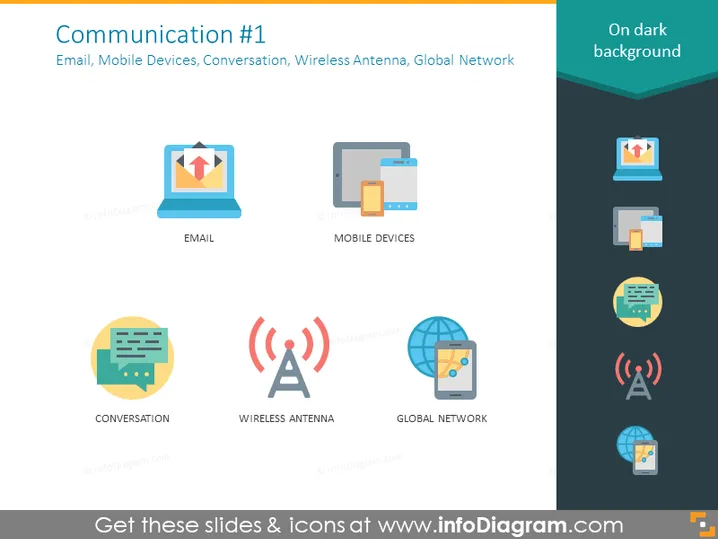
The PowerPoint slide titled "Communication #1" explores various aspects of modern communication technologies. It covers "Email" as a digital method for exchanging messages, "Mobile Devices" representing tools for communication mobility, "Conversation" which indicates interactive communication, "Wireless Antenna" as a symbol for broadcasting and receiving signals wirelessly, and "Global Network" depicting the interconnectedness across the globe. Each concept represents a fundamental building block of contemporary digital communication systems.
The overall aesthetic of the slide is modern and simplistic, with a focus on easy-to-understand visuals that complement the textual information. Icons are colored with a mix of vibrant and muted tones, making the slide visually appealing while also maintaining a professional atmosphere.




