

Your graphics add a nice touch to my presentations and I recently used them for one of my all-hands meetings. Your toolbox adds professionalism to my slides. Instead of using standard clipart.
Claude Jones, Director of Engineer, @Walmartlabs, USA

Your graphics add a nice touch to my presentations and I recently used them for one of my all-hands meetings. Your toolbox adds professionalism to my slides. Instead of using standard clipart.
Claude Jones, Director of Engineer, @Walmartlabs, USA
I needed a fresh look at some of my slides. I've tried to find a way to create a paintbrush effect, to underline, accentuate, add some color and the handwritten markers were just the things. Very easy to use, easy to size, change the color. It was an affordable, perfect solution and I'm happy to recommend it.
Anonymous, US
The crisp, clean look of the graphics, and the fact that it allowed me to easily edit and change the colors to match the template was my main reason for purchasing them.
Brandie Jenkins, E-learning Developer, USA
(with outline icons)
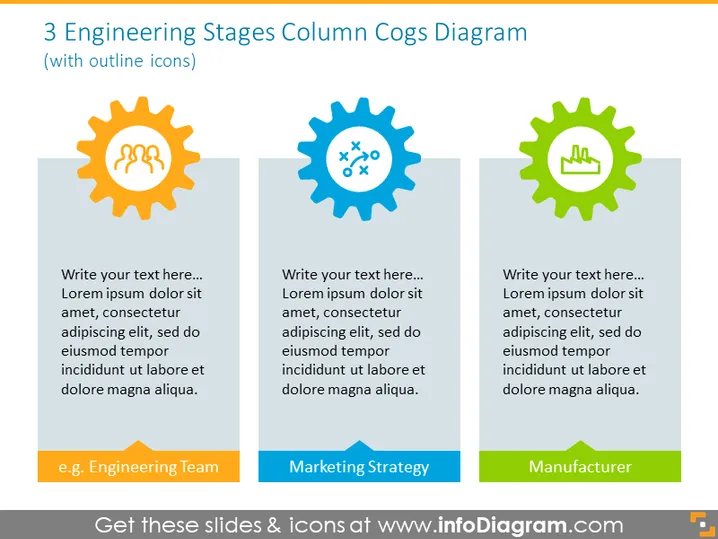
The slide titled "3 Engineering Stages Column Cogs Diagram" appears to illustrate three key stages or components of an engineering or production process, each represented by a cog with a unique color and icon. The first cog, containing the outline of three worker icons, suggests a focus on the engineering team. The middle blue cog includes various technical symbols like screws and knobs, indicative of a marketing strategy that involves technical aspects or products. The last cog, in green, has a factory icon, representing the manufacturing process.
The slide design is modern and colorful, with a clear separation between the three stages or aspects it aims to present. The cog graphics suggest interconnectivity and provide a metaphorical representation of the working parts within a system or process.



