

Your graphics add a nice touch to my presentations and I recently used them for one of my all-hands meetings. Your toolbox adds professionalism to my slides. Instead of using standard clipart.
Claude Jones, Director of Engineer, @Walmartlabs, USA

Your graphics add a nice touch to my presentations and I recently used them for one of my all-hands meetings. Your toolbox adds professionalism to my slides. Instead of using standard clipart.
Claude Jones, Director of Engineer, @Walmartlabs, USA
I needed a fresh look at some of my slides. I've tried to find a way to create a paintbrush effect, to underline, accentuate, add some color and the handwritten markers were just the things. Very easy to use, easy to size, change the color. It was an affordable, perfect solution and I'm happy to recommend it.
Anonymous, US
The crisp, clean look of the graphics, and the fact that it allowed me to easily edit and change the colors to match the template was my main reason for purchasing them.
Brandie Jenkins, E-learning Developer, USA
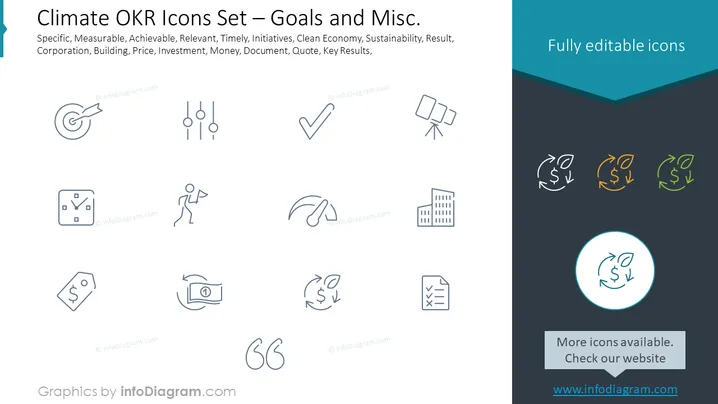
Slide Content: The PowerPoint slide is titled "Climate OKR Icons Set — Goals and Misc." It presents a variety of icons that represent different aspects related to climate objectives and miscellaneous items associated with business strategies. The terms "Specific, Measurable, Achievable, Relevant, and Timely" suggest the icons could be used for discussing SMART goals within an environmental context. Other terms like "Initiatives, Clean Economy, Sustainability" indicate the icons may support dialogue on green projects and practices. "Corporation, Building, Price, Investment, Money" could be aids in conversations about the financial and structural elements of climate-related business plans. Additional terms "Document, Quote, Key Results" point towards icons used for documentation and reporting.
Graphical Look:



