

Your graphics add a nice touch to my presentations and I recently used them for one of my all-hands meetings. Your toolbox adds professionalism to my slides. Instead of using standard clipart.
Claude Jones, Director of Engineer, @Walmartlabs, USA

Your graphics add a nice touch to my presentations and I recently used them for one of my all-hands meetings. Your toolbox adds professionalism to my slides. Instead of using standard clipart.
Claude Jones, Director of Engineer, @Walmartlabs, USA
I needed a fresh look at some of my slides. I've tried to find a way to create a paintbrush effect, to underline, accentuate, add some color and the handwritten markers were just the things. Very easy to use, easy to size, change the color. It was an affordable, perfect solution and I'm happy to recommend it.
Anonymous, US
The crisp, clean look of the graphics, and the fact that it allowed me to easily edit and change the colors to match the template was my main reason for purchasing them.
Brandie Jenkins, E-learning Developer, USA
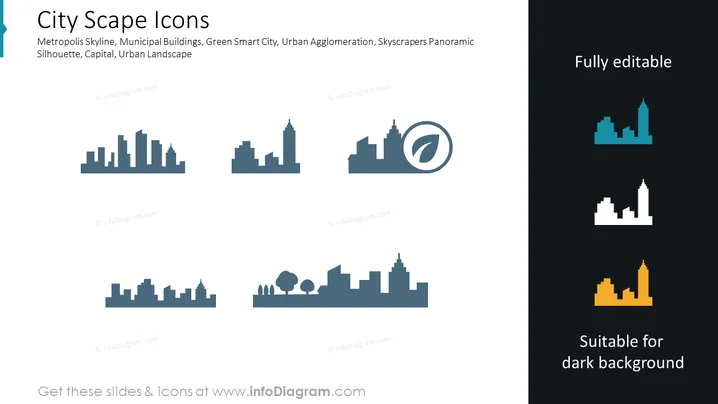
The slide presents a collection of cityscape icons, illustrating various urban elements. Each icon represents different aspects of a metropolis, such as skyline silhouettes of buildings of varying heights signifying a dense urban area possibly a downtown or a business district. Municipal buildings are symbolized by icons that could suggest government or public services. The green smart city is likely indicated by icons that integrate environmental elements with urban structures, hinting at sustainable development. Urban agglomeration might denote areas with high population density and extensive development, depicted through clustered building icons. The skyscrapers panoramic silhouette displays the iconic tall buildings commonly found in city centers, representing economic power and modernization. Overall, the slide serves to provide visual aids for discussions on urban planning, architecture, city development, or telecommunications.
The slide has a clean, professional appearance with a clear contrast between the icons and the background. It uses color effectively to highlight the difference between icons suitable for light and dark backgrounds.



