
Your graphics add a nice touch to my presentations and I recently used them for one of my all-hands meetings. Your toolbox adds professionalism to my slides. Instead of using standard clipart.
Claude Jones, Director of Engineer, @Walmartlabs, USA
Your graphics add a nice touch to my presentations and I recently used them for one of my all-hands meetings. Your toolbox adds professionalism to my slides. Instead of using standard clipart.
Claude Jones, Director of Engineer, @Walmartlabs, USA
I needed a fresh look at some of my slides. I've tried to find a way to create a paintbrush effect, to underline, accentuate, add some color and the handwritten markers were just the things. Very easy to use, easy to size, change the color. It was an affordable, perfect solution and I'm happy to recommend it.
Anonymous, US
The crisp, clean look of the graphics, and the fact that it allowed me to easily edit and change the colors to match the template was my main reason for purchasing them.
Brandie Jenkins, E-learning Developer, USA
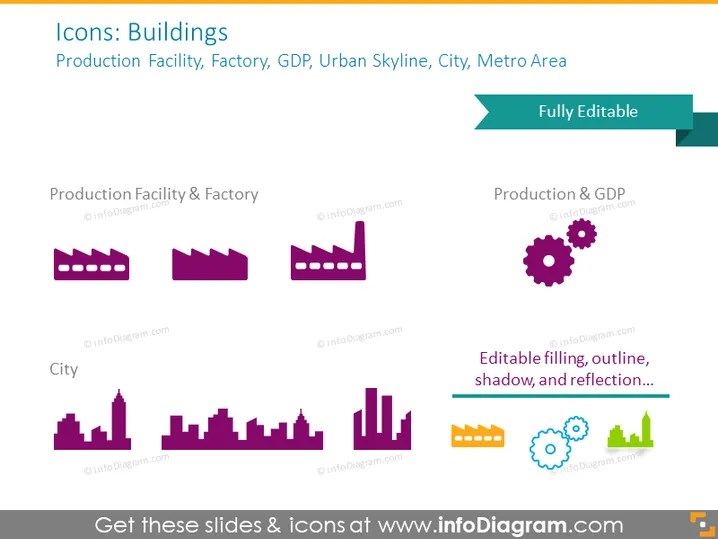
The PowerPoint slide is titled "Icons: Buildings" and lists categories of building icons: Production Facility, Factory, GDP, Urban Skyline, City, and Metro Area. Each category is represented by a set of stylized icons. "Production Facility & Factory" shows industrial buildings, suggesting manufacturing capabilities. "Production & GDP" includes a factory icon along with gears, possibly indicating the interrelation of production and economic output. The "City" category displays a variety of urban building silhouettes, reflecting different architectural structures found in a cityscape.
The overall look of the slide is modern and minimalist, using a limited color palette to create a cohesive and professional appearance. The icons are simple yet informative, making the slide visually engaging and easy to interpret.




