

Your graphics add a nice touch to my presentations and I recently used them for one of my all-hands meetings. Your toolbox adds professionalism to my slides. Instead of using standard clipart.
Claude Jones, Director of Engineer, @Walmartlabs, USA

Your graphics add a nice touch to my presentations and I recently used them for one of my all-hands meetings. Your toolbox adds professionalism to my slides. Instead of using standard clipart.
Claude Jones, Director of Engineer, @Walmartlabs, USA
I needed a fresh look at some of my slides. I've tried to find a way to create a paintbrush effect, to underline, accentuate, add some color and the handwritten markers were just the things. Very easy to use, easy to size, change the color. It was an affordable, perfect solution and I'm happy to recommend it.
Anonymous, US
The crisp, clean look of the graphics, and the fact that it allowed me to easily edit and change the colors to match the template was my main reason for purchasing them.
Brandie Jenkins, E-learning Developer, USA
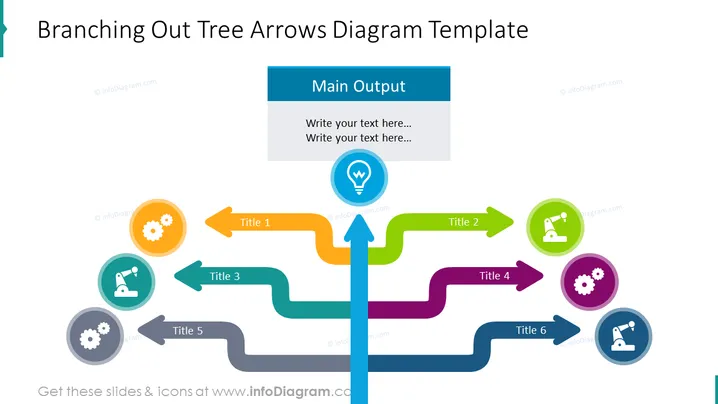
The slide is a visual representation of a branching process or organizational structure. At the center, there is a main vertical arrow labeled "Main Output," from which six horizontal branching arrows extend, each leading to a circular icon with a title. Title 1 has a gear icon indicating a mechanism or systems process. Title 2 features a microscope suggesting research or analysis. Title 3 and Title 6 share similar icons, possibly representing duplication or parallel processes. Titles 4 and 5 have gears as well, reinforcing the theme of machinery or operations.
The slide leverages bright colors and clearly defined shapes to create a visually appealing and easy-to-understand diagram. The use of icons and arrows allows for a variety of information to be conveyed quickly and efficiently.



