

Your graphics add a nice touch to my presentations and I recently used them for one of my all-hands meetings. Your toolbox adds professionalism to my slides. Instead of using standard clipart.
Claude Jones, Director of Engineer, @Walmartlabs, USA

Your graphics add a nice touch to my presentations and I recently used them for one of my all-hands meetings. Your toolbox adds professionalism to my slides. Instead of using standard clipart.
Claude Jones, Director of Engineer, @Walmartlabs, USA
I needed a fresh look at some of my slides. I've tried to find a way to create a paintbrush effect, to underline, accentuate, add some color and the handwritten markers were just the things. Very easy to use, easy to size, change the color. It was an affordable, perfect solution and I'm happy to recommend it.
Anonymous, US
The crisp, clean look of the graphics, and the fact that it allowed me to easily edit and change the colors to match the template was my main reason for purchasing them.
Brandie Jenkins, E-learning Developer, USA
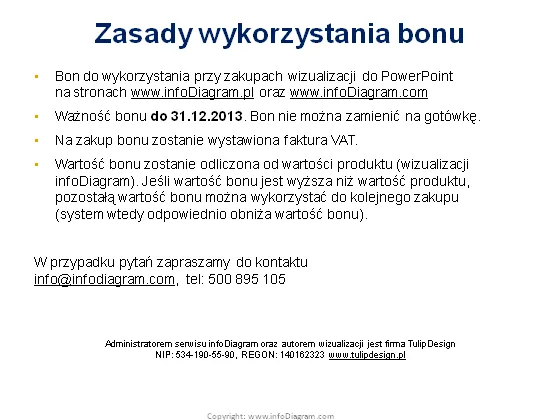
The slide is outlining the "Rules for Using a Voucher" (Zasady wykorzystania bonu) related to purchases of PowerPoint visualizations from specific websites. The voucher is valid until 12/31/2013 and cannot be exchanged for cash. A VAT invoice is issued upon purchasing with the voucher. The value of the voucher is deducted from the product's price, and if the voucher's value exceeds the price, the remaining amount can be used for a future purchase, thereby reducing the future voucher's value. For questions, there is contact information provided.
The slide has a simple and straightforward design, focusing on text over visual elements. The choice of colors and alignment provide a business-like and clear presentation of information.



