
Your graphics add a nice touch to my presentations and I recently used them for one of my all-hands meetings. Your toolbox adds professionalism to my slides. Instead of using standard clipart.
Claude Jones, Director of Engineer, @Walmartlabs, USA

Your graphics add a nice touch to my presentations and I recently used them for one of my all-hands meetings. Your toolbox adds professionalism to my slides. Instead of using standard clipart.
Claude Jones, Director of Engineer, @Walmartlabs, USA

I needed a fresh look at some of my slides. I've tried to find a way to create a paintbrush effect, to underline, accentuate, add some color and the handwritten markers were just the things. Very easy to use, easy to size, change the color. It was an affordable, perfect solution and I'm happy to recommend it.
Anonymous, US
The crisp, clean look of the graphics, and the fact that it allowed me to easily edit and change the colors to match the template was my main reason for purchasing them.
Brandie Jenkins, E-learning Developer, USA
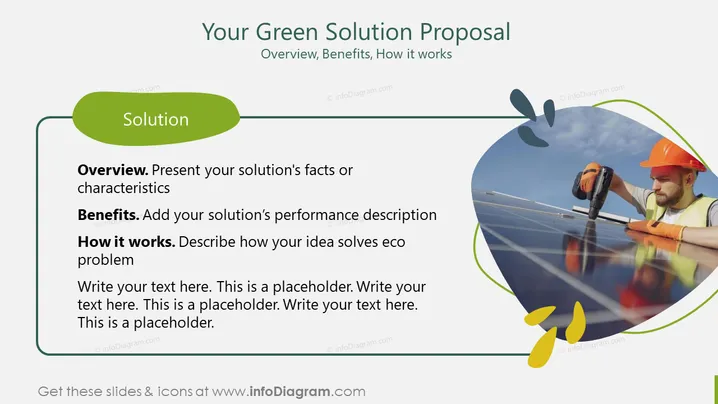
The PowerPoint slide presents a green solution proposal with three main sections to detail the plan. The 'Overview' section is for presenting the solution's facts or characteristics, explaining what the proposal is about and its unique features. The 'Benefits' section prompts the addition of the solution’s performance description, such as environmental and economic advantages. 'How it works' requires a description of how the idea solves eco problems, outlining the mechanism or process behind the solution. Each section has placeholder text suggesting where to elaborate.
The overall look is clean and professional, with a green color scheme that emphasizes the ecological theme of the content. The use of shapes and icons is minimalistic, supporting the text without overwhelming it.


