

Your graphics add a nice touch to my presentations and I recently used them for one of my all-hands meetings. Your toolbox adds professionalism to my slides. Instead of using standard clipart.
Claude Jones, Director of Engineer, @Walmartlabs, USA

Your graphics add a nice touch to my presentations and I recently used them for one of my all-hands meetings. Your toolbox adds professionalism to my slides. Instead of using standard clipart.
Claude Jones, Director of Engineer, @Walmartlabs, USA
I needed a fresh look at some of my slides. I've tried to find a way to create a paintbrush effect, to underline, accentuate, add some color and the handwritten markers were just the things. Very easy to use, easy to size, change the color. It was an affordable, perfect solution and I'm happy to recommend it.
Anonymous, US
The crisp, clean look of the graphics, and the fact that it allowed me to easily edit and change the colors to match the template was my main reason for purchasing them.
Brandie Jenkins, E-learning Developer, USA
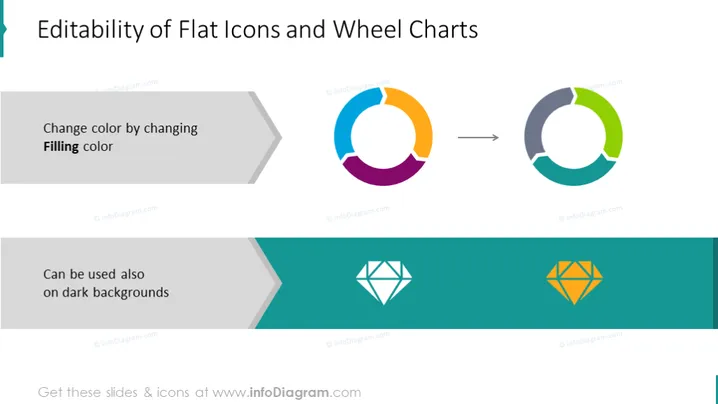
The PowerPoint slide titled "Editability of Flat Icons and Wheel Charts" illustrates how flat icons and wheel chart graphics can be customized for different backgrounds. The slide emphasizes two main features: the ability to change the color of flat icons by modifying the "Filling color," meaning users can adjust the fill color of icons to match their presentation theme; and the icons' versatility, as they can "also be used on dark backgrounds," signifying that these graphics remain distinct and visible against dark colored backgrounds.
The slide features a harmonious balance between text, color, and imagery, with clear visual cues guiding the viewer through the content. It employs minimalistic design principles to focus attention on the adaptability of the graphical elements.



