

Your graphics add a nice touch to my presentations and I recently used them for one of my all-hands meetings. Your toolbox adds professionalism to my slides. Instead of using standard clipart.
Claude Jones, Director of Engineer, @Walmartlabs, USA

Your graphics add a nice touch to my presentations and I recently used them for one of my all-hands meetings. Your toolbox adds professionalism to my slides. Instead of using standard clipart.
Claude Jones, Director of Engineer, @Walmartlabs, USA
I needed a fresh look at some of my slides. I've tried to find a way to create a paintbrush effect, to underline, accentuate, add some color and the handwritten markers were just the things. Very easy to use, easy to size, change the color. It was an affordable, perfect solution and I'm happy to recommend it.
Anonymous, US
The crisp, clean look of the graphics, and the fact that it allowed me to easily edit and change the colors to match the template was my main reason for purchasing them.
Brandie Jenkins, E-learning Developer, USA
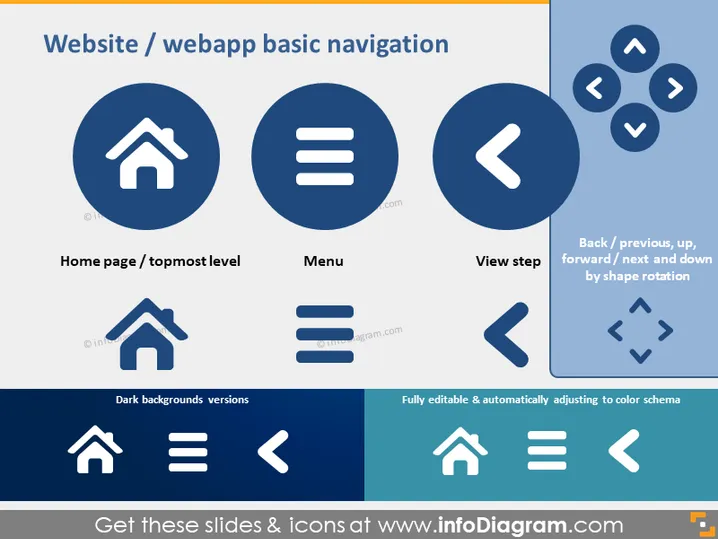
The slide presents icons related to basic website or web application navigation. Each icon is paired with a brief description of its function: "Home page / topmost level" typically directs the user to the main page of the website; "Menu" signifies the navigation menu for accessing various sections; "View step" suggests going back to a previous view or progressing to the next one within a sequential process; "Back / previous, up, forward / next and down by shape rotation" indicates directional navigation, such as moving back and forth between pages or views.
The slide has a clean, modern, and professional appearance, utilizing a common blue and white color scheme. It is visually organized in a way that clearly categorizes the icons and their corresponding explanations.



