
Your graphics add a nice touch to my presentations and I recently used them for one of my all-hands meetings. Your toolbox adds professionalism to my slides. Instead of using standard clipart.
Claude Jones, Director of Engineer, @Walmartlabs, USA
Your graphics add a nice touch to my presentations and I recently used them for one of my all-hands meetings. Your toolbox adds professionalism to my slides. Instead of using standard clipart.
Claude Jones, Director of Engineer, @Walmartlabs, USA
I needed a fresh look at some of my slides. I've tried to find a way to create a paintbrush effect, to underline, accentuate, add some color and the handwritten markers were just the things. Very easy to use, easy to size, change the color. It was an affordable, perfect solution and I'm happy to recommend it.
Anonymous, US
The crisp, clean look of the graphics, and the fact that it allowed me to easily edit and change the colors to match the template was my main reason for purchasing them.
Brandie Jenkins, E-learning Developer, USA
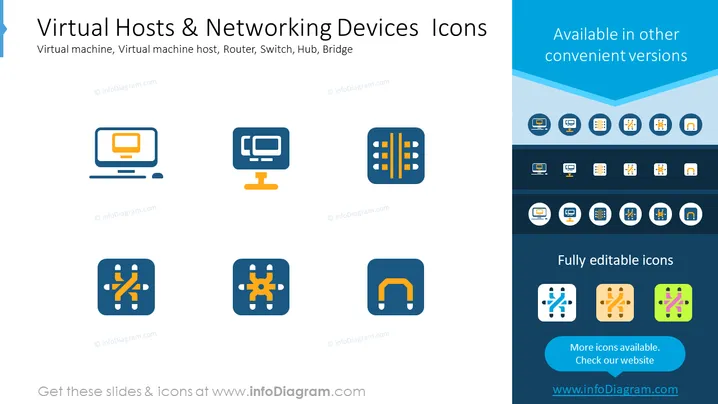
The slide titled "Virtual Hosts & Networking Devices Icons" presents a set of stylized graphical icons representing various components of computer networking. The icons depict a virtual machine, which is an emulation of a computer system; a virtual machine host, which provides the underlying physical hardware support for the virtual machines; a router, which directs data between networks; a switch, used for connecting devices within a single network and directing data at the data link layer; a hub, a basic networking device for connecting multiple Ethernet devices; and a bridge, which connects separate network segments.
The slide uses a clean and minimalist design, ensuring that the focus remains on the icons. The consistent use of shape and colors across the icons contributes to a cohesive and professional appearance.




