

Your graphics add a nice touch to my presentations and I recently used them for one of my all-hands meetings. Your toolbox adds professionalism to my slides. Instead of using standard clipart.
Claude Jones, Director of Engineer, @Walmartlabs, USA

Your graphics add a nice touch to my presentations and I recently used them for one of my all-hands meetings. Your toolbox adds professionalism to my slides. Instead of using standard clipart.
Claude Jones, Director of Engineer, @Walmartlabs, USA
I needed a fresh look at some of my slides. I've tried to find a way to create a paintbrush effect, to underline, accentuate, add some color and the handwritten markers were just the things. Very easy to use, easy to size, change the color. It was an affordable, perfect solution and I'm happy to recommend it.
Anonymous, US
The crisp, clean look of the graphics, and the fact that it allowed me to easily edit and change the colors to match the template was my main reason for purchasing them.
Brandie Jenkins, E-learning Developer, USA
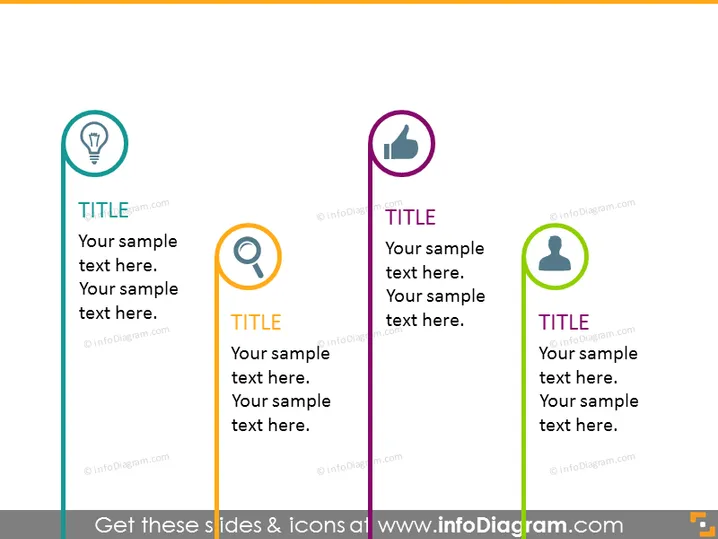
The PowerPoint slide appears to be designed for comparing three separate categories or topics with distinct icons representing each. Each category has a 'TITLE' placeholder followed by space for additional descriptive text. The lightbulb icon could symbolize ideas or innovation, the magnifying glass might represent research or analysis, and the person icon could indicate a user or customer focus. This structure is commonly used to break down and discuss different aspects of a business strategy or operational plan.
The slide has a clear and modern design with a balanced use of color and space to make each section distinguishable. The use of icons helps to quickly communicate the theme of each section to the audience.



