

Your graphics add a nice touch to my presentations and I recently used them for one of my all-hands meetings. Your toolbox adds professionalism to my slides. Instead of using standard clipart.
Claude Jones, Director of Engineer, @Walmartlabs, USA

Your graphics add a nice touch to my presentations and I recently used them for one of my all-hands meetings. Your toolbox adds professionalism to my slides. Instead of using standard clipart.
Claude Jones, Director of Engineer, @Walmartlabs, USA
I needed a fresh look at some of my slides. I've tried to find a way to create a paintbrush effect, to underline, accentuate, add some color and the handwritten markers were just the things. Very easy to use, easy to size, change the color. It was an affordable, perfect solution and I'm happy to recommend it.
Anonymous, US
The crisp, clean look of the graphics, and the fact that it allowed me to easily edit and change the colors to match the template was my main reason for purchasing them.
Brandie Jenkins, E-learning Developer, USA
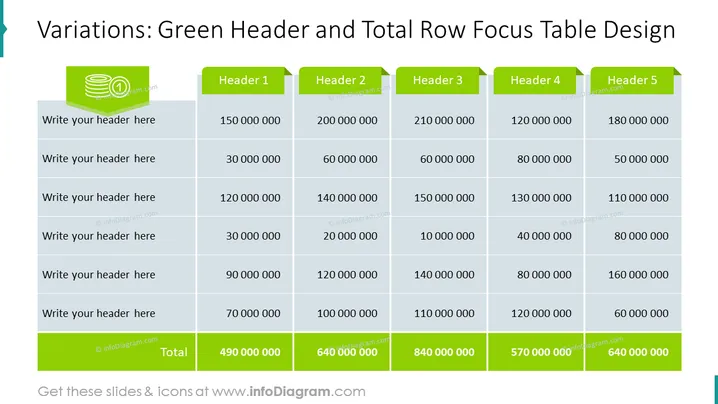
Slide Content: The slide showcases a table designed to highlight information using a green header for column titles such as "Header 1" to "Header 5" and a total row at the bottom. Each header likely represents a different category or metric to be filled out by the presenter. The table rows seem to be placeholders for additional headers and corresponding numerical data, with the bottom row calculating totals across the columns, demonstrating the sum of numerical data entered above.
Graphical Look:
The overall look of the slide is modern and business-centric with a distinct color theme for focus elements. The green highlights guide the viewer's attention to headers and totals, creating a strong visual hierarchy.
Use Cases:



