
Your graphics add a nice touch to my presentations and I recently used them for one of my all-hands meetings. Your toolbox adds professionalism to my slides. Instead of using standard clipart.
Claude Jones, Director of Engineer, @Walmartlabs, USA
Your graphics add a nice touch to my presentations and I recently used them for one of my all-hands meetings. Your toolbox adds professionalism to my slides. Instead of using standard clipart.
Claude Jones, Director of Engineer, @Walmartlabs, USA
I needed a fresh look at some of my slides. I've tried to find a way to create a paintbrush effect, to underline, accentuate, add some color and the handwritten markers were just the things. Very easy to use, easy to size, change the color. It was an affordable, perfect solution and I'm happy to recommend it.
Anonymous, US
The crisp, clean look of the graphics, and the fact that it allowed me to easily edit and change the colors to match the template was my main reason for purchasing them.
Brandie Jenkins, E-learning Developer, USA
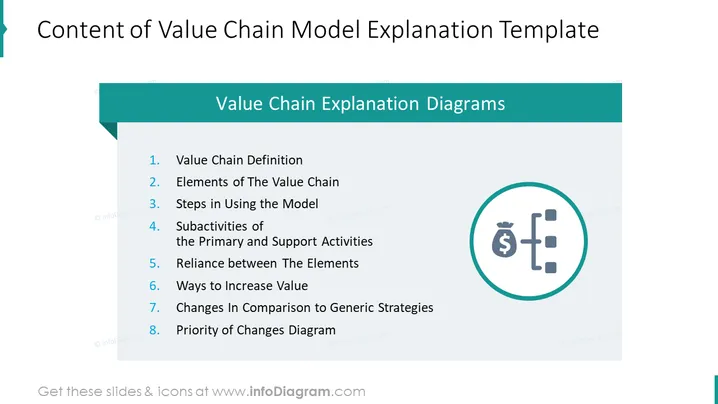
This PowerPoint slide outlines the sections included in a series of diagrams that explain the value chain model. It begins with the definition of the "Value Chain," moving on to its essential "Elements." The next sections deal with practical steps for using the model and the interconnected subactivities of primary and support activities. The sequence continues with understanding the "Reliance between The Elements," ways to "Increase Value," and concludes with comparing changes to "Generic Strategies" and a "Priority of Changes Diagram."
The slide presents a clean and professional look with a balanced use of white space and color highlights. The icon adds a visual element to the otherwise text-heavy slide, providing a break for the audience's focus.




