

Your graphics add a nice touch to my presentations and I recently used them for one of my all-hands meetings. Your toolbox adds professionalism to my slides. Instead of using standard clipart.
Claude Jones, Director of Engineer, @Walmartlabs, USA

Your graphics add a nice touch to my presentations and I recently used them for one of my all-hands meetings. Your toolbox adds professionalism to my slides. Instead of using standard clipart.
Claude Jones, Director of Engineer, @Walmartlabs, USA
I needed a fresh look at some of my slides. I've tried to find a way to create a paintbrush effect, to underline, accentuate, add some color and the handwritten markers were just the things. Very easy to use, easy to size, change the color. It was an affordable, perfect solution and I'm happy to recommend it.
Anonymous, US
The crisp, clean look of the graphics, and the fact that it allowed me to easily edit and change the colors to match the template was my main reason for purchasing them.
Brandie Jenkins, E-learning Developer, USA
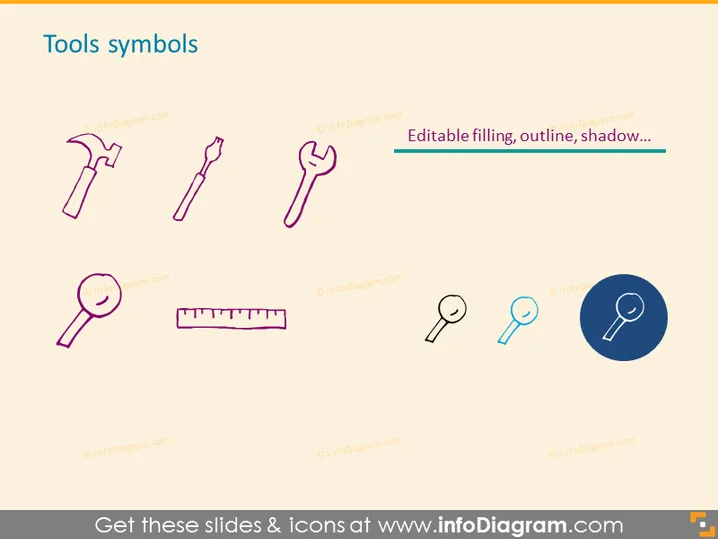
The PowerPoint slide is titled "Tools symbols" and displays a series of eight iconographic representations of common tools. These include a hammer, a screwdriver, and pliers which symbolize common manual work tools; a spanner, typical for mechanical adjustments; a magnifying glass for examination or focus on detail; a ruler for measurement; and two different styles of magnifying glasses, portraying variation or options for visual inspection. An additional message highlights editable features of the icons such as color filling, outlines, and shadow effects.
The overall look of the slide is clean and modern, using a combination of colored line art icons with a single highlighted icon. The layout is well-organized and visually balanced, making it easy to quickly understand the slide's content at a glance.



