

Your graphics add a nice touch to my presentations and I recently used them for one of my all-hands meetings. Your toolbox adds professionalism to my slides. Instead of using standard clipart.
Claude Jones, Director of Engineer, @Walmartlabs, USA

Your graphics add a nice touch to my presentations and I recently used them for one of my all-hands meetings. Your toolbox adds professionalism to my slides. Instead of using standard clipart.
Claude Jones, Director of Engineer, @Walmartlabs, USA
I needed a fresh look at some of my slides. I've tried to find a way to create a paintbrush effect, to underline, accentuate, add some color and the handwritten markers were just the things. Very easy to use, easy to size, change the color. It was an affordable, perfect solution and I'm happy to recommend it.
Anonymous, US
The crisp, clean look of the graphics, and the fact that it allowed me to easily edit and change the colors to match the template was my main reason for purchasing them.
Brandie Jenkins, E-learning Developer, USA
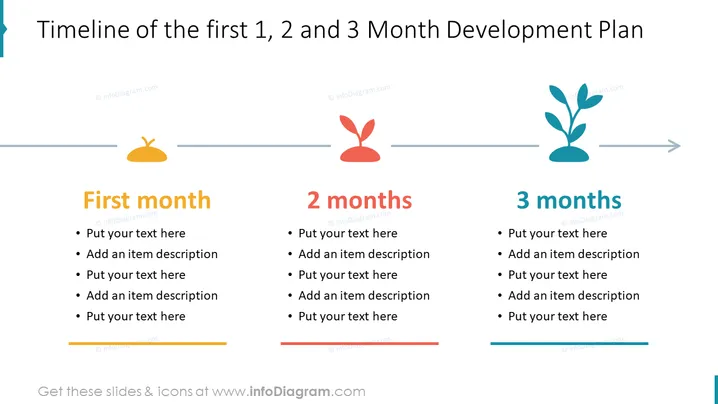
The slide is structured to visually represent a developmental plan over the course of three months, broken down into three key phases: the first month, the second month, and the third month. Each phase has space for detailed text entries to explain specific goals or tasks. This format supports incremental planning, allowing for the outlining of progressive steps or achievements expected at each monthly interval.
The slide features a clean and intuitive design, utilizing color and symbolic icons to differentiate each phase of the development plan. The progression from sprout to plant visually conveys growth over time.
This slide is suitable for business presentations that involve phased development plans, such as project timelines, product development stages, or employee training programs. It can help teams visualize milestones and deliverables expected at each month-end.



