

Your graphics add a nice touch to my presentations and I recently used them for one of my all-hands meetings. Your toolbox adds professionalism to my slides. Instead of using standard clipart.
Claude Jones, Director of Engineer, @Walmartlabs, USA

Your graphics add a nice touch to my presentations and I recently used them for one of my all-hands meetings. Your toolbox adds professionalism to my slides. Instead of using standard clipart.
Claude Jones, Director of Engineer, @Walmartlabs, USA
I needed a fresh look at some of my slides. I've tried to find a way to create a paintbrush effect, to underline, accentuate, add some color and the handwritten markers were just the things. Very easy to use, easy to size, change the color. It was an affordable, perfect solution and I'm happy to recommend it.
Anonymous, US
The crisp, clean look of the graphics, and the fact that it allowed me to easily edit and change the colors to match the template was my main reason for purchasing them.
Brandie Jenkins, E-learning Developer, USA
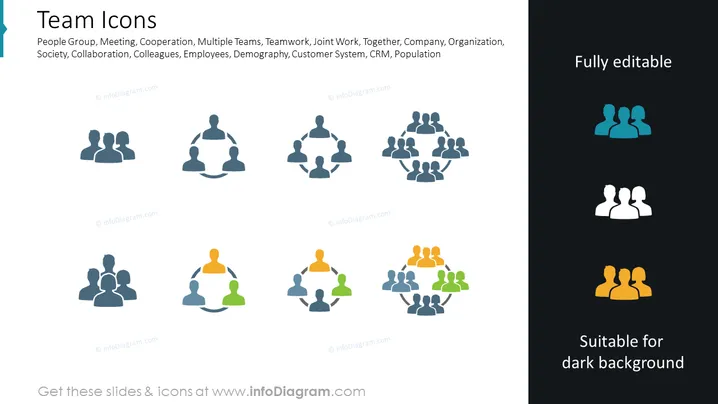
The PowerPoint slide titled 'Team Icons' depicts various graphical representations of team structures and dynamics. It showcases icons representing people groups, meetings, cooperation between individuals, multiple teams working together, teamwork activities, joint work settings, a collective company or organizational structure, society or community collaborations, colleagues interaction, employee groupings, demographic assemblies, customer systems, CRM frameworks, and population clusters. Each icon serves to visually communicate different organizational or group configurations, such as pairs, trios, and larger assemblies, as well as hierarchical relations and network-like connections within a team.
The slide has a clean, modern design with an emphasis on simplicity and clarity. The icons are distinctly stylized, making them easily interpretable and adaptable for various presentation needs.



