

Your graphics add a nice touch to my presentations and I recently used them for one of my all-hands meetings. Your toolbox adds professionalism to my slides. Instead of using standard clipart.
Claude Jones, Director of Engineer, @Walmartlabs, USA

Your graphics add a nice touch to my presentations and I recently used them for one of my all-hands meetings. Your toolbox adds professionalism to my slides. Instead of using standard clipart.
Claude Jones, Director of Engineer, @Walmartlabs, USA
I needed a fresh look at some of my slides. I've tried to find a way to create a paintbrush effect, to underline, accentuate, add some color and the handwritten markers were just the things. Very easy to use, easy to size, change the color. It was an affordable, perfect solution and I'm happy to recommend it.
Anonymous, US
The crisp, clean look of the graphics, and the fact that it allowed me to easily edit and change the colors to match the template was my main reason for purchasing them.
Brandie Jenkins, E-learning Developer, USA
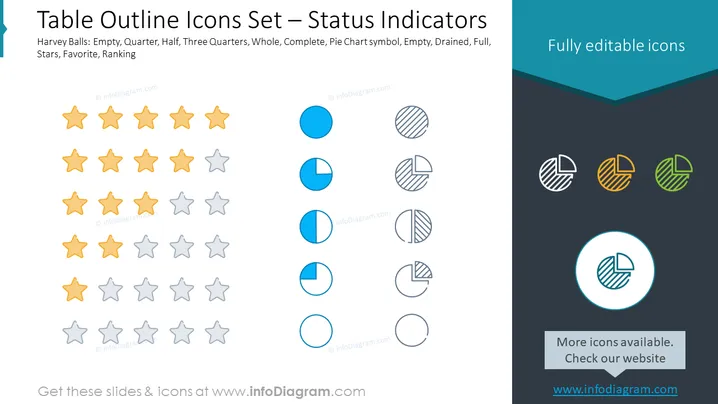
The PowerPoint slide titled "Table Outline Icons Set – Status Indicators" presents a collection of metric icons, specifically Harvey Balls and star ratings, that are commonly used to visually communicate status levels. Harvey Balls depict various levels of completion, such as empty, quarter, half, three quarters, and full, to indicate the progress or proportionate aspects of a concept. The star ratings consist of stars in two colors, indicative of differences in ranking or favorability, generally used to represent quality or satisfaction levels.
The slide has a clean and professional design, with a clear visual hierarchy that separates icons into distinct categories for easy reference. The color palette is limited, which helps maintain focus on the iconography.



