

Your graphics add a nice touch to my presentations and I recently used them for one of my all-hands meetings. Your toolbox adds professionalism to my slides. Instead of using standard clipart.
Claude Jones, Director of Engineer, @Walmartlabs, USA

Your graphics add a nice touch to my presentations and I recently used them for one of my all-hands meetings. Your toolbox adds professionalism to my slides. Instead of using standard clipart.
Claude Jones, Director of Engineer, @Walmartlabs, USA
I needed a fresh look at some of my slides. I've tried to find a way to create a paintbrush effect, to underline, accentuate, add some color and the handwritten markers were just the things. Very easy to use, easy to size, change the color. It was an affordable, perfect solution and I'm happy to recommend it.
Anonymous, US
The crisp, clean look of the graphics, and the fact that it allowed me to easily edit and change the colors to match the template was my main reason for purchasing them.
Brandie Jenkins, E-learning Developer, USA
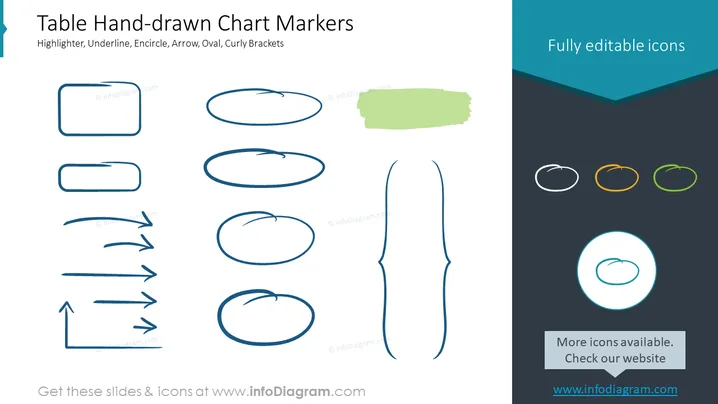
The slide titled "Table Hand-drawn Chart Markers" presents elements used to enhance visual communication in presentations, including Highlighters, Underlines, Encircles, Arrows, Ovals, and Curly Brackets. Each concept relates to drawing attention or creating emphasis on certain areas of a slide: highlighters simulate the effect of a marker on text, underlines underscore key terms, encircles draw a visual boundary or focus around an object, arrows indicate direction or connection, ovals can surround text or graphics for emphasis, and curly brackets group items or concepts visually.
The slide uses a clean and minimalistic design approach, combining freehand illustration style elements to create a sense of informality and creativity. The contrast between the hand-drawn figures and the solid-colored icons creates visual interest.



