

Your graphics add a nice touch to my presentations and I recently used them for one of my all-hands meetings. Your toolbox adds professionalism to my slides. Instead of using standard clipart.
Claude Jones, Director of Engineer, @Walmartlabs, USA

Your graphics add a nice touch to my presentations and I recently used them for one of my all-hands meetings. Your toolbox adds professionalism to my slides. Instead of using standard clipart.
Claude Jones, Director of Engineer, @Walmartlabs, USA
I needed a fresh look at some of my slides. I've tried to find a way to create a paintbrush effect, to underline, accentuate, add some color and the handwritten markers were just the things. Very easy to use, easy to size, change the color. It was an affordable, perfect solution and I'm happy to recommend it.
Anonymous, US
The crisp, clean look of the graphics, and the fact that it allowed me to easily edit and change the colors to match the template was my main reason for purchasing them.
Brandie Jenkins, E-learning Developer, USA
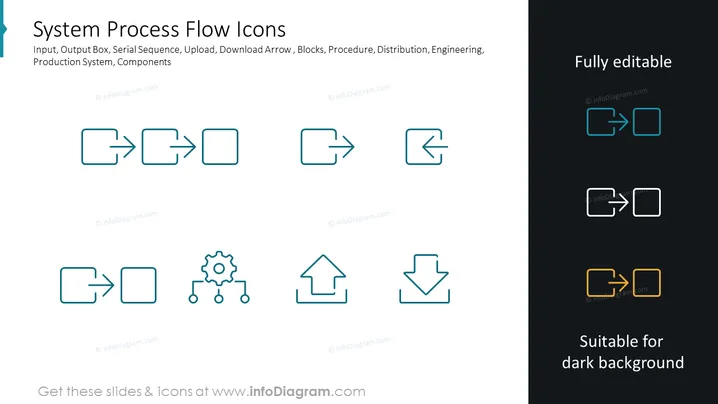
The slide is titled "System Process Flow Icons" and illustrates various icons representing components of a system process flow. It includes icons for input, output, serial sequence, upload, download, as well as blocks for procedure, distribution, and engineering. Each icon visually represents a concept key to understanding process flows: Input and Output Boxes symbolize data entering and exiting the process; Serial Sequence indicates a step-by-step progression; Upload and Download Arrows represent data being transferred to and from the cloud or another system; and Blocks depict stages or components within the procedure, distribution, or engineering aspects of a system.
The slide has a modern, minimalistic style with a focus on clarity and usability. The icons are stylized to be immediately identifiable and are displayed in a manner that would be unobtrusive yet informative in a presentation.



