
Your graphics add a nice touch to my presentations and I recently used them for one of my all-hands meetings. Your toolbox adds professionalism to my slides. Instead of using standard clipart.
Claude Jones, Director of Engineer, @Walmartlabs, USA

Your graphics add a nice touch to my presentations and I recently used them for one of my all-hands meetings. Your toolbox adds professionalism to my slides. Instead of using standard clipart.
Claude Jones, Director of Engineer, @Walmartlabs, USA

I needed a fresh look at some of my slides. I've tried to find a way to create a paintbrush effect, to underline, accentuate, add some color and the handwritten markers were just the things. Very easy to use, easy to size, change the color. It was an affordable, perfect solution and I'm happy to recommend it.
Anonymous, US
The crisp, clean look of the graphics, and the fact that it allowed me to easily edit and change the colors to match the template was my main reason for purchasing them.
Brandie Jenkins, E-learning Developer, USA
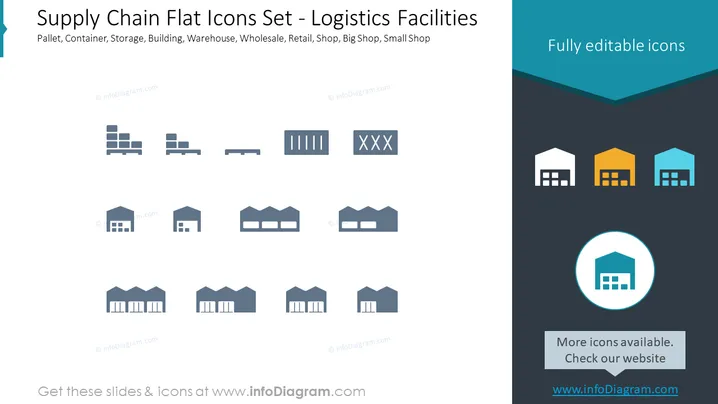
This PowerPoint slide presents a collection of flat design icons related to supply chain logistics facilities. Each icon represents a different aspect of logistics infrastructure such as pallets, containers, various types of buildings, and retail outlets ranging from small shops to large wholesale warehouses. Pallet icons illustrate the standard tools for transporting goods; container icons indicate larger units for shipping items; various buildings are depicted to represent storage and distribution points; while retail icons differentiate between the sizes and types of shops.
The slide has a modern, clean visual style with attention drawn to the icons through the use of contrasting background colors and selective highlighting. The simplicity of the design ensures that the focus remains on the content, making it easy to understand at a glance.


