

Your graphics add a nice touch to my presentations and I recently used them for one of my all-hands meetings. Your toolbox adds professionalism to my slides. Instead of using standard clipart.
Claude Jones, Director of Engineer, @Walmartlabs, USA

Your graphics add a nice touch to my presentations and I recently used them for one of my all-hands meetings. Your toolbox adds professionalism to my slides. Instead of using standard clipart.
Claude Jones, Director of Engineer, @Walmartlabs, USA
I needed a fresh look at some of my slides. I've tried to find a way to create a paintbrush effect, to underline, accentuate, add some color and the handwritten markers were just the things. Very easy to use, easy to size, change the color. It was an affordable, perfect solution and I'm happy to recommend it.
Anonymous, US
The crisp, clean look of the graphics, and the fact that it allowed me to easily edit and change the colors to match the template was my main reason for purchasing them.
Brandie Jenkins, E-learning Developer, USA
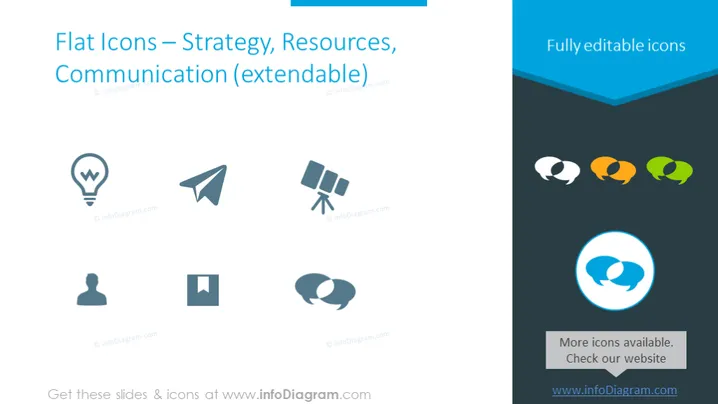
The PowerPoint slide presents a collection of flat icons that are classified under the themes of Strategy, Resources, and Communication. These icons are intended to be symbolic representations of various business or conceptual ideas. The icons include a light bulb indicating an idea, a paper airplane signifying sending or delivering a message, and satellite dishes representing communication technology. A user profile suggests customer or user-focused strategies, a square that could serve as a placeholder for additional content, and conversation bubbles depicting dialogue or discussion.
The slide has a clean and professional look, with plenty of whitespace and a modern design. The use of flat design for the icons and the consistent color scheme provides a cohesive and visually appealing interface.



