
Your graphics add a nice touch to my presentations and I recently used them for one of my all-hands meetings. Your toolbox adds professionalism to my slides. Instead of using standard clipart.
Claude Jones, Director of Engineer, @Walmartlabs, USA
Your graphics add a nice touch to my presentations and I recently used them for one of my all-hands meetings. Your toolbox adds professionalism to my slides. Instead of using standard clipart.
Claude Jones, Director of Engineer, @Walmartlabs, USA
I needed a fresh look at some of my slides. I've tried to find a way to create a paintbrush effect, to underline, accentuate, add some color and the handwritten markers were just the things. Very easy to use, easy to size, change the color. It was an affordable, perfect solution and I'm happy to recommend it.
Anonymous, US
The crisp, clean look of the graphics, and the fact that it allowed me to easily edit and change the colors to match the template was my main reason for purchasing them.
Brandie Jenkins, E-learning Developer, USA
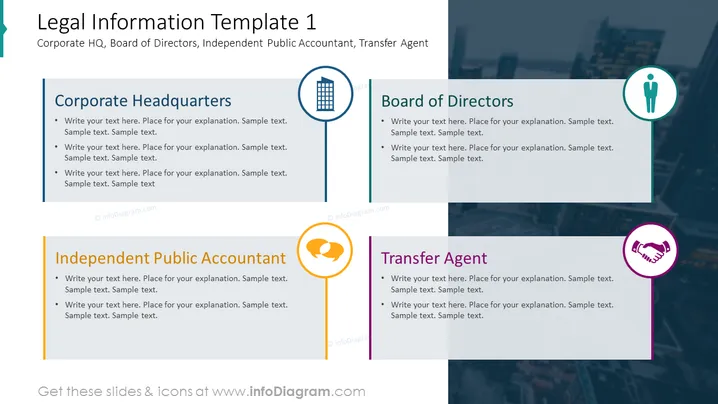
The PowerPoint slide titled "Legal Information Template 1" is aimed at capturing key legal details, featuring sections for a corporation's headquarters, board of directors, an independent public accountant, and a transfer agent. Each section suggests a space to write explanatory text. The corporate headquarters section might include the company’s primary address and a description of the main office. Next, the board of directors section could outline the roles and responsibilities of the board members. The independent public accountant part implies where to detail the auditor’s activities and qualifications. Lastly, the transfer agent section indicates a place to delineate the entity handling security transactions and related record keeping.
The slide presents a professional, organized look suitable for formal presentations. The usage of icons helps to visually categorize the information, making it easier to navigate.




