

Your graphics add a nice touch to my presentations and I recently used them for one of my all-hands meetings. Your toolbox adds professionalism to my slides. Instead of using standard clipart.
Claude Jones, Director of Engineer, @Walmartlabs, USA

Your graphics add a nice touch to my presentations and I recently used them for one of my all-hands meetings. Your toolbox adds professionalism to my slides. Instead of using standard clipart.
Claude Jones, Director of Engineer, @Walmartlabs, USA
I needed a fresh look at some of my slides. I've tried to find a way to create a paintbrush effect, to underline, accentuate, add some color and the handwritten markers were just the things. Very easy to use, easy to size, change the color. It was an affordable, perfect solution and I'm happy to recommend it.
Anonymous, US
The crisp, clean look of the graphics, and the fact that it allowed me to easily edit and change the colors to match the template was my main reason for purchasing them.
Brandie Jenkins, E-learning Developer, USA
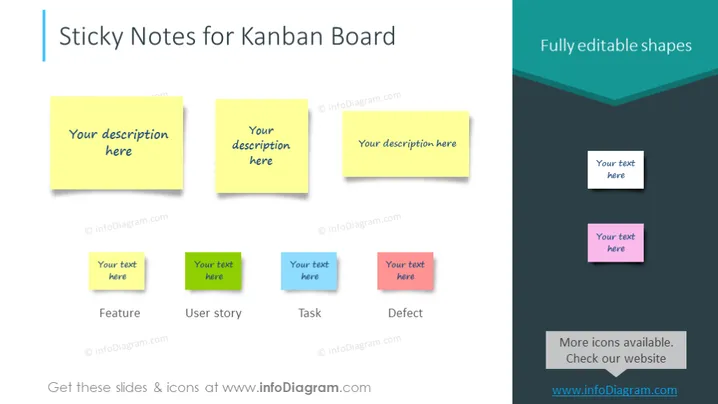
The slide presents a collection of sticky note graphics, commonly used in Kanban boards for task management and workflow visualization. Each sticky note has placeholder text "Your description here," which suggests customizable content. Below the notes, there are additional text boxes for further classification such as "Feature", "User story", "Task", and "Defect", each underlined by a smaller, aligned text box with "Your text here", indicating where additional specifics can be elaborated to define project elements or statuses within a Kanban system.
The slide's overall look is clean and organized, utilizing bright colors to distinguish the graphics and text for easy readability. The sticky notes and additional shapes are neatly aligned, giving the slide a structured layout conducive to presenting categorized information.



