

Your graphics add a nice touch to my presentations and I recently used them for one of my all-hands meetings. Your toolbox adds professionalism to my slides. Instead of using standard clipart.
Claude Jones, Director of Engineer, @Walmartlabs, USA

Your graphics add a nice touch to my presentations and I recently used them for one of my all-hands meetings. Your toolbox adds professionalism to my slides. Instead of using standard clipart.
Claude Jones, Director of Engineer, @Walmartlabs, USA
I needed a fresh look at some of my slides. I've tried to find a way to create a paintbrush effect, to underline, accentuate, add some color and the handwritten markers were just the things. Very easy to use, easy to size, change the color. It was an affordable, perfect solution and I'm happy to recommend it.
Anonymous, US
The crisp, clean look of the graphics, and the fact that it allowed me to easily edit and change the colors to match the template was my main reason for purchasing them.
Brandie Jenkins, E-learning Developer, USA
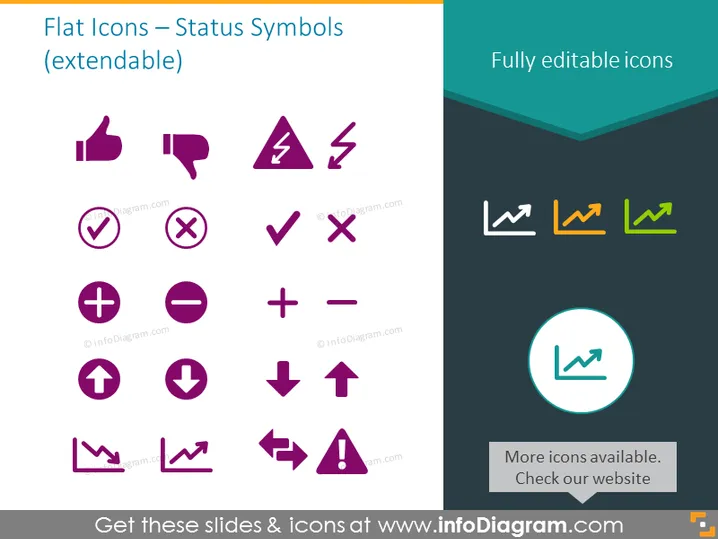
The PowerPoint slide presents a variety of flat icons representing status symbols, suggesting they are extendable and fully editable. These symbols include positive indicators like a thumbs up and a checkmark, negative indicators such as a thumbs down and a cross, directional arrows, and other common status or warning signs like a lightning bolt, a plus and minus, and alert triangles. The extendability indicates that these icons can be customized or added to suit different presentation needs. The fully editable aspect means that the size, color, and other details of these icons can be adjusted as required.
The slide uses geometric shapes and contrasting colors to make the icons stand out. The simple layout ensures that the focus remains on the icons themselves, making it visually easy to interpret.



