

Your graphics add a nice touch to my presentations and I recently used them for one of my all-hands meetings. Your toolbox adds professionalism to my slides. Instead of using standard clipart.
Claude Jones, Director of Engineer, @Walmartlabs, USA

Your graphics add a nice touch to my presentations and I recently used them for one of my all-hands meetings. Your toolbox adds professionalism to my slides. Instead of using standard clipart.
Claude Jones, Director of Engineer, @Walmartlabs, USA
I needed a fresh look at some of my slides. I've tried to find a way to create a paintbrush effect, to underline, accentuate, add some color and the handwritten markers were just the things. Very easy to use, easy to size, change the color. It was an affordable, perfect solution and I'm happy to recommend it.
Anonymous, US
The crisp, clean look of the graphics, and the fact that it allowed me to easily edit and change the colors to match the template was my main reason for purchasing them.
Brandie Jenkins, E-learning Developer, USA
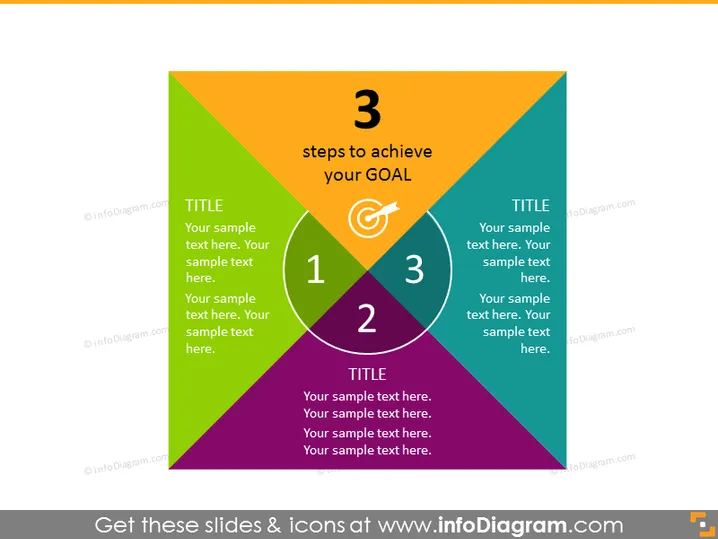
The PowerPoint slide presents a model called "3 steps to achieve your GOAL," featuring a triangular diagram divided into three sections, each assigned a different color, representing three distinct steps. In each section, there is a prominent number (1, 2, or 3) indicating the sequence of steps, accompanied by the word "TITLE" and placeholder text for the presenter to explain what each step entails. These descriptions are crucial as they define the key stages or actions necessary to reach a specific goal.
The slide is visually dynamic and utilizes color coding and geometric shapes to indicate a progression or relationship between the concepts. The central goal icon serves as a focal point signifying the ultimate objective of the steps detailed.



