

Your graphics add a nice touch to my presentations and I recently used them for one of my all-hands meetings. Your toolbox adds professionalism to my slides. Instead of using standard clipart.
Claude Jones, Director of Engineer, @Walmartlabs, USA

Your graphics add a nice touch to my presentations and I recently used them for one of my all-hands meetings. Your toolbox adds professionalism to my slides. Instead of using standard clipart.
Claude Jones, Director of Engineer, @Walmartlabs, USA
I needed a fresh look at some of my slides. I've tried to find a way to create a paintbrush effect, to underline, accentuate, add some color and the handwritten markers were just the things. Very easy to use, easy to size, change the color. It was an affordable, perfect solution and I'm happy to recommend it.
Anonymous, US
The crisp, clean look of the graphics, and the fact that it allowed me to easily edit and change the colors to match the template was my main reason for purchasing them.
Brandie Jenkins, E-learning Developer, USA
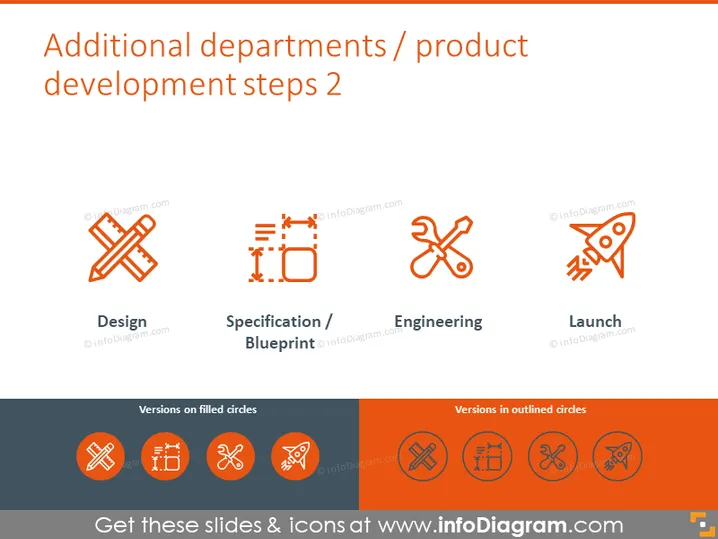
The slide is a continuation of a series outlining key areas in product development or department roles, specifically "Additional departments/product development steps 2." It details four stages: Design, which likely implies conceptual work; Specification/Blueprint, meaning detailed plans; Engineering, which refers to the technical development; and Launch, signaling the introduction of the product or project to the market. Each stage is paired with a symbolic icon.
The overall look of the slide is professional and visually appealing, with a strong use of iconography to convey the concepts discussed. The consistent color scheme and clear layout make it easy to understand at a glance.



