

Your graphics add a nice touch to my presentations and I recently used them for one of my all-hands meetings. Your toolbox adds professionalism to my slides. Instead of using standard clipart.
Claude Jones, Director of Engineer, @Walmartlabs, USA

Your graphics add a nice touch to my presentations and I recently used them for one of my all-hands meetings. Your toolbox adds professionalism to my slides. Instead of using standard clipart.
Claude Jones, Director of Engineer, @Walmartlabs, USA
I needed a fresh look at some of my slides. I've tried to find a way to create a paintbrush effect, to underline, accentuate, add some color and the handwritten markers were just the things. Very easy to use, easy to size, change the color. It was an affordable, perfect solution and I'm happy to recommend it.
Anonymous, US
The crisp, clean look of the graphics, and the fact that it allowed me to easily edit and change the colors to match the template was my main reason for purchasing them.
Brandie Jenkins, E-learning Developer, USA
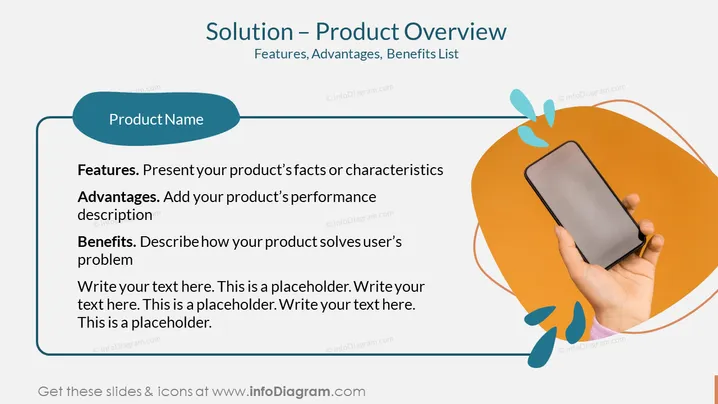
The slide presents an overview of a product, structuring the content into three main components - Features, Advantages, and Benefits, all aimed at explaining different aspects of the product. "Features" describe the product's facts or characteristics, which are its tangible attributes. "Advantages" relate to how the product's performance surpasses others, implying its superior qualities. Finally, "Benefits" underscore how the product addresses the customer's needs, focusing on the value it adds for the user. Additional placeholder text at the bottom suggests space for expanded details or further explanation.
The slide uses contrasting colors and shapes to create a visually engaging layout that directs the viewer's attention to critical elements representing the product's features, advantages, and benefits.



