
Your graphics add a nice touch to my presentations and I recently used them for one of my all-hands meetings. Your toolbox adds professionalism to my slides. Instead of using standard clipart.
Claude Jones, Director of Engineer, @Walmartlabs, USA

Your graphics add a nice touch to my presentations and I recently used them for one of my all-hands meetings. Your toolbox adds professionalism to my slides. Instead of using standard clipart.
Claude Jones, Director of Engineer, @Walmartlabs, USA

I needed a fresh look at some of my slides. I've tried to find a way to create a paintbrush effect, to underline, accentuate, add some color and the handwritten markers were just the things. Very easy to use, easy to size, change the color. It was an affordable, perfect solution and I'm happy to recommend it.
Anonymous, US
The crisp, clean look of the graphics, and the fact that it allowed me to easily edit and change the colors to match the template was my main reason for purchasing them.
Brandie Jenkins, E-learning Developer, USA
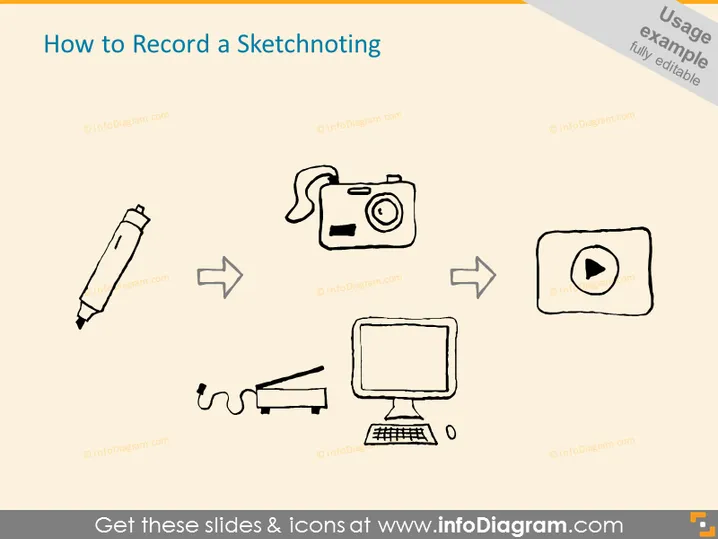
This slide appears to outline a process of recording a sketchnote, which is a method of visual note-taking that combines illustrations with words to create an interactive and engaging way of recording ideas and discussions. The process is depicted in several steps: starting with drawing (a marker), continuing with taking a photo (a camera icon), and concluding with turning the visuals into a video (play button icon). Each graphic seems to represent a task in the workflow of creating a sketchnote recording, suggesting a progression from conceptualization to a shareable digital format.
The slide has a clean and uncluttered look with a creative, informal vibe thanks to the hand-drawn illustrations. The simple color scheme and design keep the focus on the process steps.


