

Your graphics add a nice touch to my presentations and I recently used them for one of my all-hands meetings. Your toolbox adds professionalism to my slides. Instead of using standard clipart.
Claude Jones, Director of Engineer, @Walmartlabs, USA

Your graphics add a nice touch to my presentations and I recently used them for one of my all-hands meetings. Your toolbox adds professionalism to my slides. Instead of using standard clipart.
Claude Jones, Director of Engineer, @Walmartlabs, USA
I needed a fresh look at some of my slides. I've tried to find a way to create a paintbrush effect, to underline, accentuate, add some color and the handwritten markers were just the things. Very easy to use, easy to size, change the color. It was an affordable, perfect solution and I'm happy to recommend it.
Anonymous, US
The crisp, clean look of the graphics, and the fact that it allowed me to easily edit and change the colors to match the template was my main reason for purchasing them.
Brandie Jenkins, E-learning Developer, USA
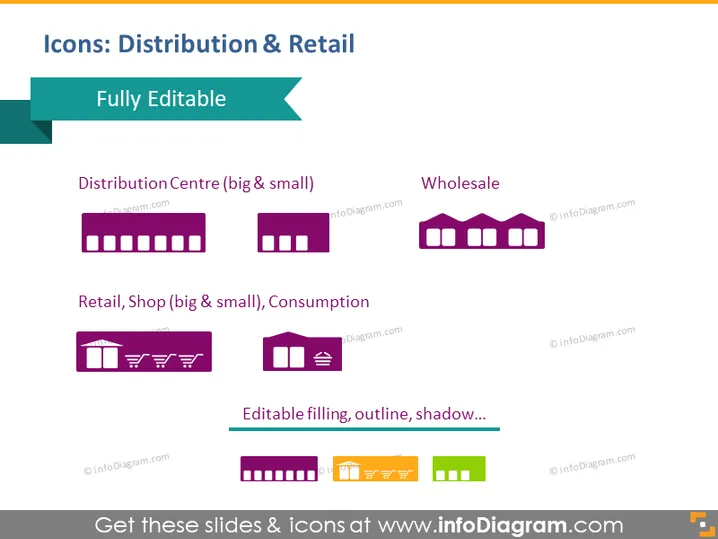
The PowerPoint slide titled "Icons: Distribution & Retail" includes visual representations to depict various aspects of the distribution and retail industry. "Distribution Centre (big & small)" is represented by two factory-like icons, indicating facilities of different sizes. "Wholesale" has a similar icon but with a different design, suggesting a different type of facility within the industry. The "Retail, Shop (big & small), Consumption" category features icons that resemble storefronts and shopping elements, representing retail outlets and consumer activity. A note at the bottom highlights that the icons have editable filling, outline, and shadow properties, allowing customization to fit different presentations.
The slide is professionally designed with a clean and clear layout. The use of icons provides quick visual cues that correspond to the industry categories they represent.



