

Your graphics add a nice touch to my presentations and I recently used them for one of my all-hands meetings. Your toolbox adds professionalism to my slides. Instead of using standard clipart.
Claude Jones, Director of Engineer, @Walmartlabs, USA

Your graphics add a nice touch to my presentations and I recently used them for one of my all-hands meetings. Your toolbox adds professionalism to my slides. Instead of using standard clipart.
Claude Jones, Director of Engineer, @Walmartlabs, USA
I needed a fresh look at some of my slides. I've tried to find a way to create a paintbrush effect, to underline, accentuate, add some color and the handwritten markers were just the things. Very easy to use, easy to size, change the color. It was an affordable, perfect solution and I'm happy to recommend it.
Anonymous, US
The crisp, clean look of the graphics, and the fact that it allowed me to easily edit and change the colors to match the template was my main reason for purchasing them.
Brandie Jenkins, E-learning Developer, USA
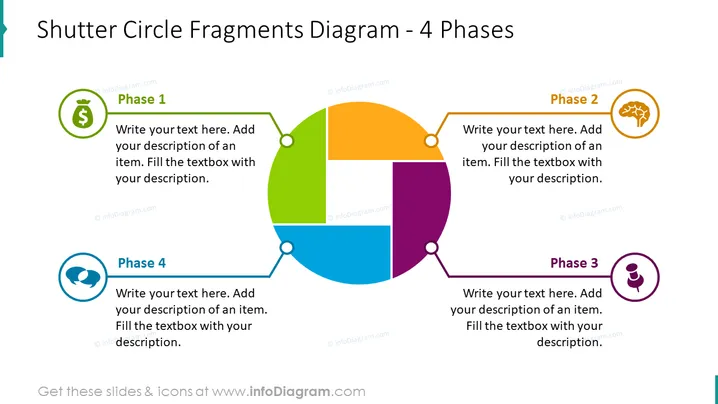
The slide presents a circular diagram divided into four colored phases for describing processes, steps, or stages with associated text placeholders. Phase 1 has a green shade and is linked to a dollar sign indicating financial aspects. Phase 2 is shaded orange and connects to a light bulb, possibly indicating an idea or innovation. Phase 3, in purple, is associated with a human figure, perhaps referring to human resources or personal action. Phase 4, in blue, is linked to a speech bubble, suggesting communication or feedback.
The PowerPoint slide uses a clean and modern design with bold colors to draw attention to its content. The layout is balanced and symmetrical, facilitating an easy understanding of the connection between the diagram's elements.



