

Your graphics add a nice touch to my presentations and I recently used them for one of my all-hands meetings. Your toolbox adds professionalism to my slides. Instead of using standard clipart.
Claude Jones, Director of Engineer, @Walmartlabs, USA

Your graphics add a nice touch to my presentations and I recently used them for one of my all-hands meetings. Your toolbox adds professionalism to my slides. Instead of using standard clipart.
Claude Jones, Director of Engineer, @Walmartlabs, USA
I needed a fresh look at some of my slides. I've tried to find a way to create a paintbrush effect, to underline, accentuate, add some color and the handwritten markers were just the things. Very easy to use, easy to size, change the color. It was an affordable, perfect solution and I'm happy to recommend it.
Anonymous, US
The crisp, clean look of the graphics, and the fact that it allowed me to easily edit and change the colors to match the template was my main reason for purchasing them.
Brandie Jenkins, E-learning Developer, USA
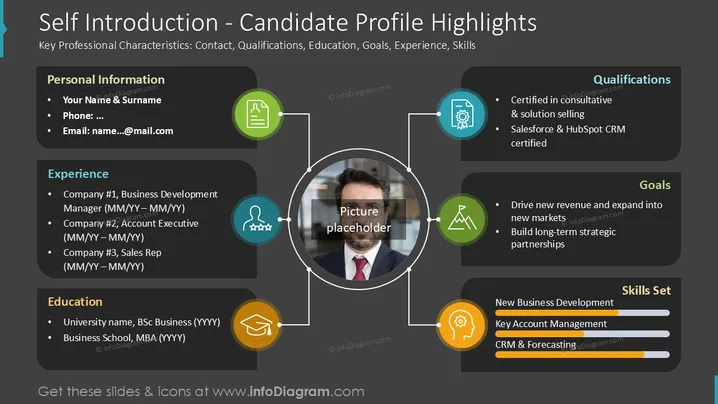
This slide presents a candidate's profile, summarizing key professional characteristics. It covers Personal Information detailing contact details; Experience listing past roles; Education outlining academic background; Qualifications highlighting certifications; Goals indicating career aspirations; and a Skills Set showcasing proficiencies with progress bars. This format efficiently provides a comprehensive overview of an individual's professional identity.
The overall look is clean, modern, and well-organized, using a dark background to make the colored icons and white text stand out. The use of circles and connecting lines creates a visually engaging and easy-to-follow structure for presenting information.



