

Your graphics add a nice touch to my presentations and I recently used them for one of my all-hands meetings. Your toolbox adds professionalism to my slides. Instead of using standard clipart.
Claude Jones, Director of Engineer, @Walmartlabs, USA

Your graphics add a nice touch to my presentations and I recently used them for one of my all-hands meetings. Your toolbox adds professionalism to my slides. Instead of using standard clipart.
Claude Jones, Director of Engineer, @Walmartlabs, USA
I needed a fresh look at some of my slides. I've tried to find a way to create a paintbrush effect, to underline, accentuate, add some color and the handwritten markers were just the things. Very easy to use, easy to size, change the color. It was an affordable, perfect solution and I'm happy to recommend it.
Anonymous, US
The crisp, clean look of the graphics, and the fact that it allowed me to easily edit and change the colors to match the template was my main reason for purchasing them.
Brandie Jenkins, E-learning Developer, USA
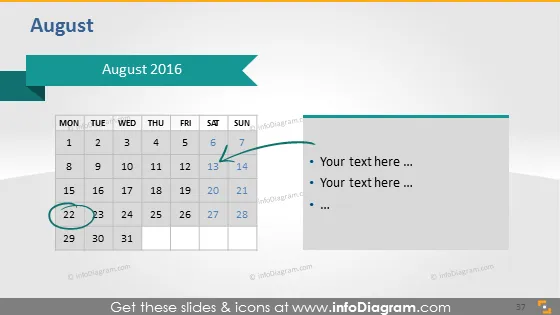
The PowerPoint slide displays a calendar for the month of "August 2016" with a focus on certain dates. The calendar shows the days of the week from Monday to Sunday across the top, with specific dates highlighted - the 7th circled in green and the 22nd in an orange rectangle. Next to the calendar, there is a bullet point list placeholder with 'Your text here ...' for additional details or notes related to the highlighted dates.
The slide exhibits a minimalist design with a clear focus on the calendar and associated notes. The color-coding on the calendar dates suggests a significance to those particular days, such as events or deadlines.



