
Your graphics add a nice touch to my presentations and I recently used them for one of my all-hands meetings. Your toolbox adds professionalism to my slides. Instead of using standard clipart.
Claude Jones, Director of Engineer, @Walmartlabs, USA

Your graphics add a nice touch to my presentations and I recently used them for one of my all-hands meetings. Your toolbox adds professionalism to my slides. Instead of using standard clipart.
Claude Jones, Director of Engineer, @Walmartlabs, USA

I needed a fresh look at some of my slides. I've tried to find a way to create a paintbrush effect, to underline, accentuate, add some color and the handwritten markers were just the things. Very easy to use, easy to size, change the color. It was an affordable, perfect solution and I'm happy to recommend it.
Anonymous, US
The crisp, clean look of the graphics, and the fact that it allowed me to easily edit and change the colors to match the template was my main reason for purchasing them.
Brandie Jenkins, E-learning Developer, USA
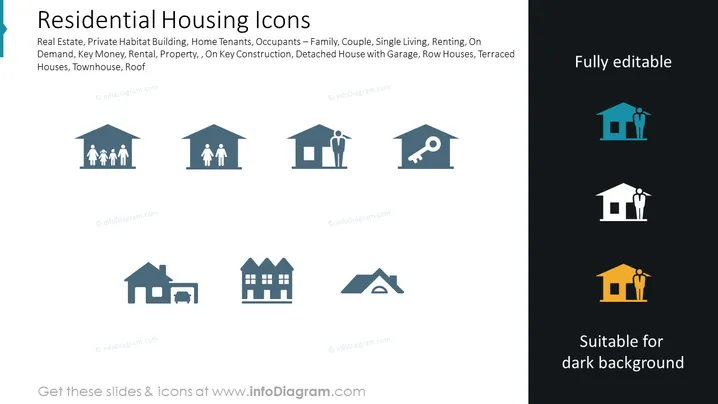
The PowerPoint slide is titled "Residential Housing Icons" and details various aspects associated with housing, such as real estate, types of habitats, and family arrangements. It mentions items like private habitat building, which refers to personal living spaces; home tenants, indicating individuals who rent or occupy a property; and key construction, which likely refers to essential aspects of building houses. Additional concepts include detached houses with garages, indicating standalone residential property with parking space; row houses, which are houses in a row sharing walls; terraced houses, meaning homes that share side walls but are designed in a staggered line; and roofs, which are the top coverings of houses.
The slide utilizes a clean and professional layout, with a stark contrast between the content area on the white background and the sample area on the dark blue background. The use of simple icons and limited color palette adds to the clarity and modern feel of the design.


