

Your graphics add a nice touch to my presentations and I recently used them for one of my all-hands meetings. Your toolbox adds professionalism to my slides. Instead of using standard clipart.
Claude Jones, Director of Engineer, @Walmartlabs, USA

Your graphics add a nice touch to my presentations and I recently used them for one of my all-hands meetings. Your toolbox adds professionalism to my slides. Instead of using standard clipart.
Claude Jones, Director of Engineer, @Walmartlabs, USA
I needed a fresh look at some of my slides. I've tried to find a way to create a paintbrush effect, to underline, accentuate, add some color and the handwritten markers were just the things. Very easy to use, easy to size, change the color. It was an affordable, perfect solution and I'm happy to recommend it.
Anonymous, US
The crisp, clean look of the graphics, and the fact that it allowed me to easily edit and change the colors to match the template was my main reason for purchasing them.
Brandie Jenkins, E-learning Developer, USA
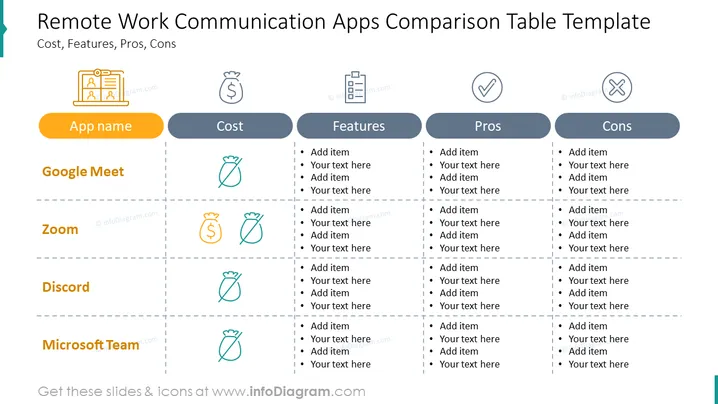
The table compares five popular remote work communication apps: Google Meet, Zoom, Discord, Microsoft Teams, and Slack.
In terms of cost, Google Meet and Discord are the most affordable, with free basic plans. Zoom and Slack have free plans with limited features, and Microsoft Teams is the most expensive, with a monthly fee per user.
When it comes to features, all five apps offer text chat, voice and video calls, and screen sharing. Google Meet and Zoom also offer recording and webinars, while Discord allows users to create servers. Microsoft Teams is the most feature-rich app, with additional features such as file sharing and project management.
The pros and cons of each app vary. Google Meet is easy to use and reliable, but it has basic features and limited storage space. Zoom is also easy to use and has a wide range of features, but it can be expensive for large teams. Discord is popular with gamers and remote teams, but it can be cluttered and noisy. Microsoft Teams is feature-rich and integrates with other Microsoft products, but it can be complex to navigate.
Overall, the best remote work communication app for you will depend on your specific needs and budget. If you are looking for a free and easy-to-use app, Google Meet or Discord are good options. If you need a more feature-rich app, Zoom or Microsoft Teams are good choices.
Here is a more concise version of the paragraph:
Google Meet, Zoom, Discord, Microsoft Teams, and Slack are five popular remote work communication apps. Google Meet and Discord are the most affordable, while Microsoft Teams is the most expensive. All five apps offer text chat, voice and video calls, and screen sharing. Google Meet and Zoom also offer recording and webinars, while Discord allows users to create servers. Microsoft Teams is the most feature-rich app, with additional features such as file sharing and project management. The best app for you will depend on your specific needs and budget.
A remote work communication apps comparison table slide can be used in a variety of settings, such as:



