
Your graphics add a nice touch to my presentations and I recently used them for one of my all-hands meetings. Your toolbox adds professionalism to my slides. Instead of using standard clipart.
Claude Jones, Director of Engineer, @Walmartlabs, USA

Your graphics add a nice touch to my presentations and I recently used them for one of my all-hands meetings. Your toolbox adds professionalism to my slides. Instead of using standard clipart.
Claude Jones, Director of Engineer, @Walmartlabs, USA

I needed a fresh look at some of my slides. I've tried to find a way to create a paintbrush effect, to underline, accentuate, add some color and the handwritten markers were just the things. Very easy to use, easy to size, change the color. It was an affordable, perfect solution and I'm happy to recommend it.
Anonymous, US
The crisp, clean look of the graphics, and the fact that it allowed me to easily edit and change the colors to match the template was my main reason for purchasing them.
Brandie Jenkins, E-learning Developer, USA
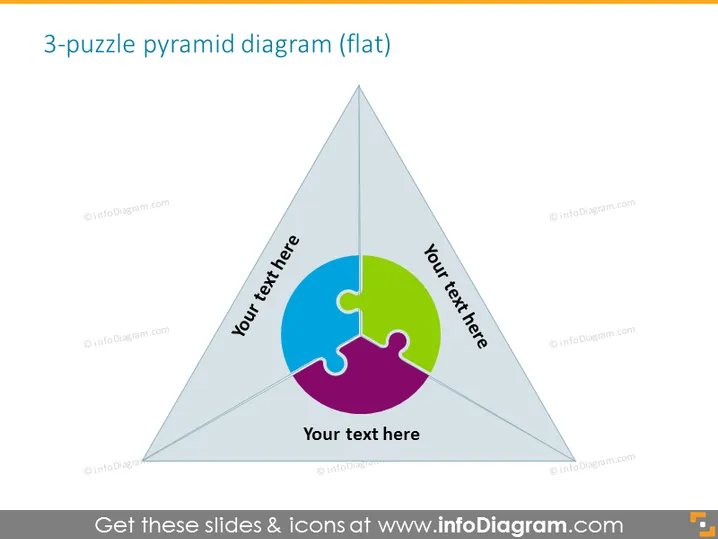
The slide presents a "3-puzzle pyramid diagram," which is likely illustrating how three separate pieces fit together to form a whole. This kind of visual is common for showing how different parts contribute to a single outcome or objective. Each piece of the puzzle is tied to a placeholder text, suggesting that the presenter can insert specific information pertaining to each part, making it a versatile tool for expressing interrelated ideas or components in a straightforward, visually engaging manner.
The slide has a professional and minimalist design with a clear focus on the central pyramid diagram. The use of colors to differentiate the puzzle pieces makes the diagram stand out and easily readable.


