

Your graphics add a nice touch to my presentations and I recently used them for one of my all-hands meetings. Your toolbox adds professionalism to my slides. Instead of using standard clipart.
Claude Jones, Director of Engineer, @Walmartlabs, USA

Your graphics add a nice touch to my presentations and I recently used them for one of my all-hands meetings. Your toolbox adds professionalism to my slides. Instead of using standard clipart.
Claude Jones, Director of Engineer, @Walmartlabs, USA
I needed a fresh look at some of my slides. I've tried to find a way to create a paintbrush effect, to underline, accentuate, add some color and the handwritten markers were just the things. Very easy to use, easy to size, change the color. It was an affordable, perfect solution and I'm happy to recommend it.
Anonymous, US
The crisp, clean look of the graphics, and the fact that it allowed me to easily edit and change the colors to match the template was my main reason for purchasing them.
Brandie Jenkins, E-learning Developer, USA
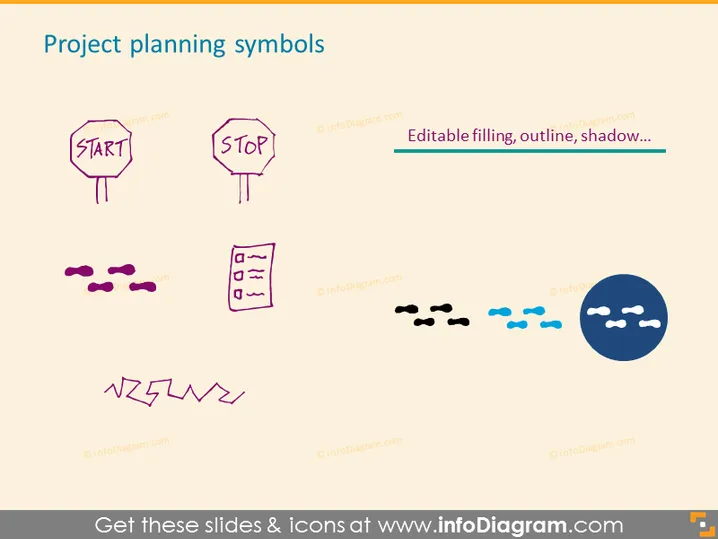
The PowerPoint slide titled "Project planning symbols" features graphical representations commonly used in project planning and management. The "Start" symbol suggests the initiation or launch of a project, while the "Stop" symbol clearly marks completion or termination. The set of uneven lines may represent a timeline or steps, and the clipboard icon signifies documentation or checklists. Footprints indicate progress or steps in a process, and the lightning bolt could symbolize a sudden action or urgency. Lastly, the cloud with two variants - one sunny, one overcast - perhaps denotes project outlook or status, with sunny representing favorable conditions and overcast hinting at challenges.
The slide possesses a playful and casual aesthetic with its use of colorful, sketch-like icons and symbols. It leans towards a hand-drawn look, giving it an informal yet engaging appearance.



