

Your graphics add a nice touch to my presentations and I recently used them for one of my all-hands meetings. Your toolbox adds professionalism to my slides. Instead of using standard clipart.
Claude Jones, Director of Engineer, @Walmartlabs, USA

Your graphics add a nice touch to my presentations and I recently used them for one of my all-hands meetings. Your toolbox adds professionalism to my slides. Instead of using standard clipart.
Claude Jones, Director of Engineer, @Walmartlabs, USA
I needed a fresh look at some of my slides. I've tried to find a way to create a paintbrush effect, to underline, accentuate, add some color and the handwritten markers were just the things. Very easy to use, easy to size, change the color. It was an affordable, perfect solution and I'm happy to recommend it.
Anonymous, US
The crisp, clean look of the graphics, and the fact that it allowed me to easily edit and change the colors to match the template was my main reason for purchasing them.
Brandie Jenkins, E-learning Developer, USA
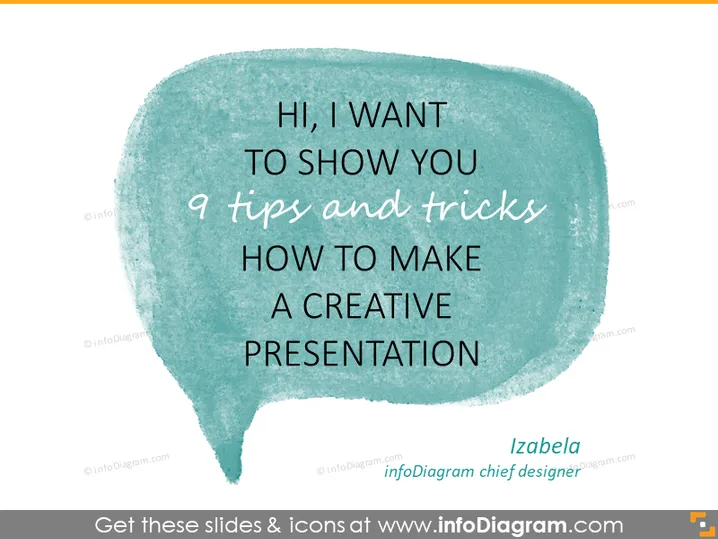
The slide is most likely the introductory slide to a presentation given by someone named Izabela, who is the chief designer at the source of the slide. Izabela aims to share her expertise by providing 9 specific tips and tricks intended for making presentations more creative. These tips and tricks are expected to be practical pieces of advice coming from a design professional that could improve the aesthetic appeal and engagement factor of a presentation.
The overall look of the slide is informal and creative, using a handwritten font and a speech bubble to establish a conversational and accessible tone. The watercolor texture of the speech bubble graphic adds an artistic touch that indicates the topic of the presentation is about creative processes.



