

Your graphics add a nice touch to my presentations and I recently used them for one of my all-hands meetings. Your toolbox adds professionalism to my slides. Instead of using standard clipart.
Claude Jones, Director of Engineer, @Walmartlabs, USA

Your graphics add a nice touch to my presentations and I recently used them for one of my all-hands meetings. Your toolbox adds professionalism to my slides. Instead of using standard clipart.
Claude Jones, Director of Engineer, @Walmartlabs, USA
I needed a fresh look at some of my slides. I've tried to find a way to create a paintbrush effect, to underline, accentuate, add some color and the handwritten markers were just the things. Very easy to use, easy to size, change the color. It was an affordable, perfect solution and I'm happy to recommend it.
Anonymous, US
The crisp, clean look of the graphics, and the fact that it allowed me to easily edit and change the colors to match the template was my main reason for purchasing them.
Brandie Jenkins, E-learning Developer, USA
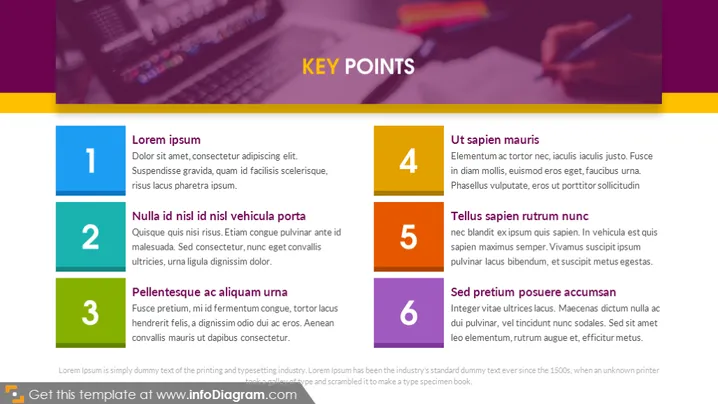
The slide appears to portray a list of six key points, each accompanied by a brief explanation to elaborate on the concept. The points are simply titled "Lorem ipsum", "Nulla id nisl id nisl vehicula porta", "Pellentesque ac aliquam urna", "Ut sapien mauris", "Tellus sapien rutrum nunc", and "Sed pretium posuere accumsan". These names suggest placeholder text and not actual content, which is a common practice during the drafting phase of presentation design, allowing for the layout and design to be reviewed before finalizing the text.
The visual style uses contrast both in color and the size of the elements to attract attention to the key points. The color scheme is consistent and the overall aesthetic feels professional and contemporary.



