

Your graphics add a nice touch to my presentations and I recently used them for one of my all-hands meetings. Your toolbox adds professionalism to my slides. Instead of using standard clipart.
Claude Jones, Director of Engineer, @Walmartlabs, USA

Your graphics add a nice touch to my presentations and I recently used them for one of my all-hands meetings. Your toolbox adds professionalism to my slides. Instead of using standard clipart.
Claude Jones, Director of Engineer, @Walmartlabs, USA
I needed a fresh look at some of my slides. I've tried to find a way to create a paintbrush effect, to underline, accentuate, add some color and the handwritten markers were just the things. Very easy to use, easy to size, change the color. It was an affordable, perfect solution and I'm happy to recommend it.
Anonymous, US
The crisp, clean look of the graphics, and the fact that it allowed me to easily edit and change the colors to match the template was my main reason for purchasing them.
Brandie Jenkins, E-learning Developer, USA
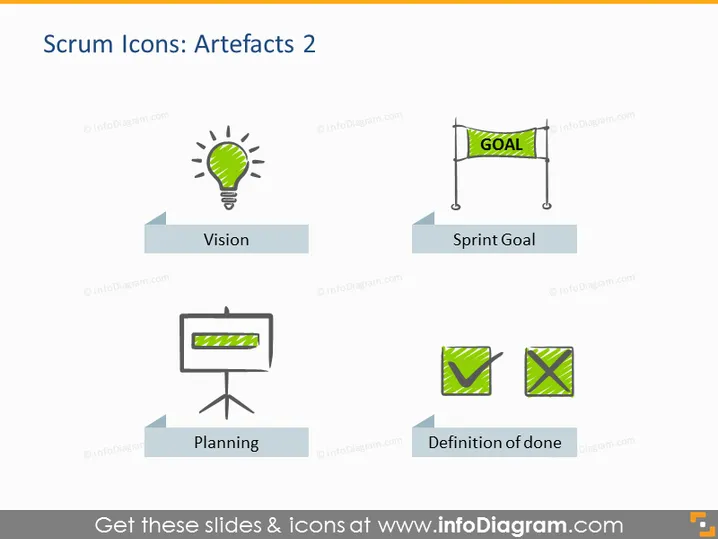
The slide is titled "Scrum Icons: Artefacts 2" and seems to visually represent different artefacts related to Scrum methodology. There are four key concepts illustrated: "Vision," symbolized by a light bulb, likely indicating the project's guiding idea or goal. "Sprint Goal" is marked by a 'GOAL' banner, representing a specific objective to be achieved during a sprint. "Planning" is depicted with a flip chart, signifying the stage where teams plan their work. Lastly, "Definition of done" showcases checkmarks, symbolizing the criteria that determine when a task is completed.
The overall look of the slide is modern and clean, with a professional aesthetic that employs minimal color and simple design elements to convey information efficiently.



