

Your graphics add a nice touch to my presentations and I recently used them for one of my all-hands meetings. Your toolbox adds professionalism to my slides. Instead of using standard clipart.
Claude Jones, Director of Engineer, @Walmartlabs, USA

Your graphics add a nice touch to my presentations and I recently used them for one of my all-hands meetings. Your toolbox adds professionalism to my slides. Instead of using standard clipart.
Claude Jones, Director of Engineer, @Walmartlabs, USA
I needed a fresh look at some of my slides. I've tried to find a way to create a paintbrush effect, to underline, accentuate, add some color and the handwritten markers were just the things. Very easy to use, easy to size, change the color. It was an affordable, perfect solution and I'm happy to recommend it.
Anonymous, US
The crisp, clean look of the graphics, and the fact that it allowed me to easily edit and change the colors to match the template was my main reason for purchasing them.
Brandie Jenkins, E-learning Developer, USA
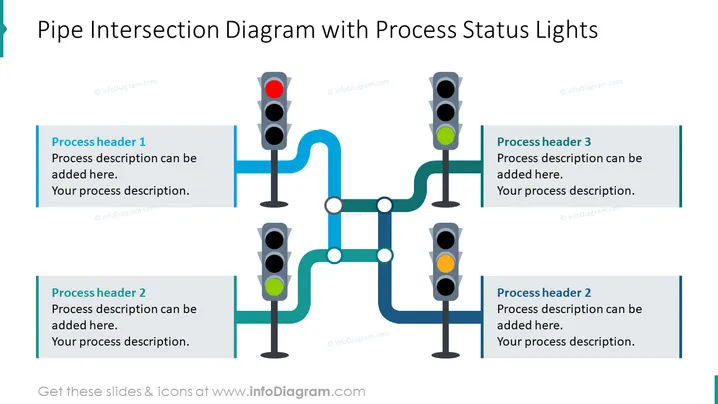
The slide displays a process flow or operational pipeline, represented by a series of interconnected pipes with traffic light signals at various junctions. These signals serve as status indicators for different stages of the process. Each traffic light aligns with a descriptive box that would detail a particular process phase, with the red, yellow, and green lights likely signifying stop, caution, and go statuses respectively, within the process flow.
The overall visual composition is clean and easy to follow, with the blue pipes and colorful traffic lights creating a clear metaphor for process flow and status within an organization or system.
This slide is well-suited for business presentations that require illustration of process flows, operational status updates, or workflow management. It can be particularly useful in operational meetings, strategic planning sessions, or process improvement discussions to visually represent the status of different process components.



