

Your graphics add a nice touch to my presentations and I recently used them for one of my all-hands meetings. Your toolbox adds professionalism to my slides. Instead of using standard clipart.
Claude Jones, Director of Engineer, @Walmartlabs, USA

Your graphics add a nice touch to my presentations and I recently used them for one of my all-hands meetings. Your toolbox adds professionalism to my slides. Instead of using standard clipart.
Claude Jones, Director of Engineer, @Walmartlabs, USA
I needed a fresh look at some of my slides. I've tried to find a way to create a paintbrush effect, to underline, accentuate, add some color and the handwritten markers were just the things. Very easy to use, easy to size, change the color. It was an affordable, perfect solution and I'm happy to recommend it.
Anonymous, US
The crisp, clean look of the graphics, and the fact that it allowed me to easily edit and change the colors to match the template was my main reason for purchasing them.
Brandie Jenkins, E-learning Developer, USA
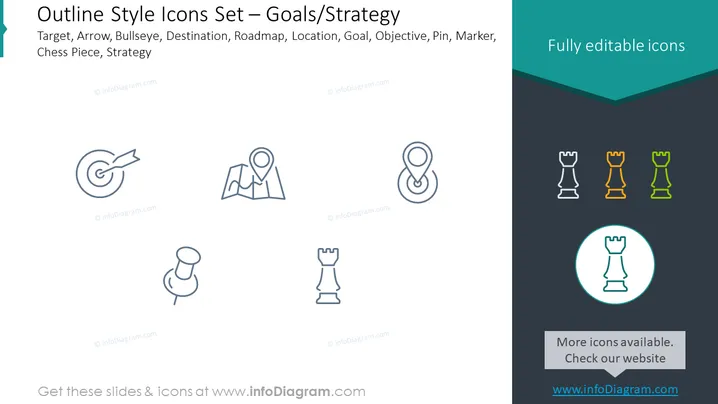
The PowerPoint slide presents a collection of outline style icons related to goals and strategy. The icons include a target with an arrow, representing precision or achieving specific objectives. A map pin symbolizes a location or destination, which can stand for market penetration or reaching new areas. The roadmap icon denotes the strategic plan to reach objectives. There are three chess pieces, highlighting the strategic aspects of decision-making, with differently colored icons to possibly indicate different strategic priorities or roles.
The slide has a crisp and minimalistic look with its line icons and contrasting dark teal header and footer. The use of different colors for the chess piece icons adds a subtle hint of color to the otherwise monochromatic scheme.



