

Your graphics add a nice touch to my presentations and I recently used them for one of my all-hands meetings. Your toolbox adds professionalism to my slides. Instead of using standard clipart.
Claude Jones, Director of Engineer, @Walmartlabs, USA

Your graphics add a nice touch to my presentations and I recently used them for one of my all-hands meetings. Your toolbox adds professionalism to my slides. Instead of using standard clipart.
Claude Jones, Director of Engineer, @Walmartlabs, USA
I needed a fresh look at some of my slides. I've tried to find a way to create a paintbrush effect, to underline, accentuate, add some color and the handwritten markers were just the things. Very easy to use, easy to size, change the color. It was an affordable, perfect solution and I'm happy to recommend it.
Anonymous, US
The crisp, clean look of the graphics, and the fact that it allowed me to easily edit and change the colors to match the template was my main reason for purchasing them.
Brandie Jenkins, E-learning Developer, USA
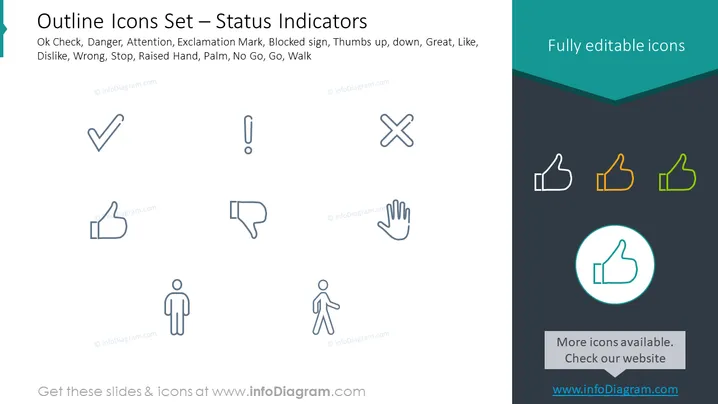
The PowerPoint slide illustrates a variety of simple outline icons that represent common status indicators used in digital interfaces or presentations. The icons include a check mark for "Ok," a triangle with an exclamation point for "Danger" or "Attention," a thumbs-up icon for approval or "Like," a thumbs-down for disapproval or "Dislike," a cross mark for "Wrong" or "Stop," a raised hand for a signal to pause or "No Go," a palm for "Stop" or "Wait," and a figure of a person walking for "Go" or "Walk." Each icon conveys a distinct message and is typically used to communicate status, feedback, or direction succinctly.
The slide is clean and minimalist with a clear focus on the icons. The use of color is limited to highlight certain icons, indicating editability or selection options.



