

Your graphics add a nice touch to my presentations and I recently used them for one of my all-hands meetings. Your toolbox adds professionalism to my slides. Instead of using standard clipart.
Claude Jones, Director of Engineer, @Walmartlabs, USA

Your graphics add a nice touch to my presentations and I recently used them for one of my all-hands meetings. Your toolbox adds professionalism to my slides. Instead of using standard clipart.
Claude Jones, Director of Engineer, @Walmartlabs, USA
I needed a fresh look at some of my slides. I've tried to find a way to create a paintbrush effect, to underline, accentuate, add some color and the handwritten markers were just the things. Very easy to use, easy to size, change the color. It was an affordable, perfect solution and I'm happy to recommend it.
Anonymous, US
The crisp, clean look of the graphics, and the fact that it allowed me to easily edit and change the colors to match the template was my main reason for purchasing them.
Brandie Jenkins, E-learning Developer, USA
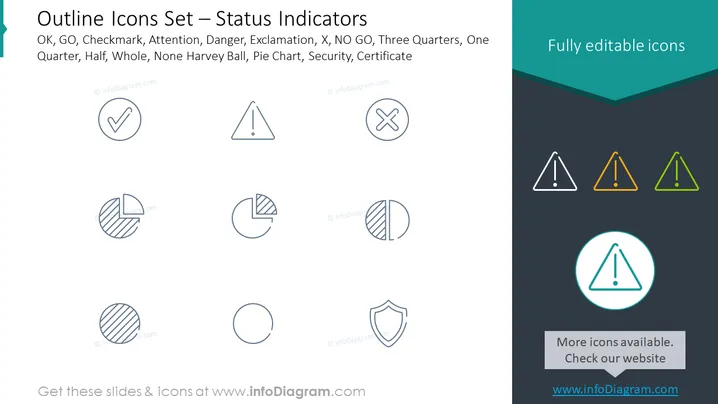
The PowerPoint slide presents a collection of outline icons labeled as "Status Indicators" including symbols for OK, GO, Checkmark, Attention, Danger, Exclamation, X, NO GO, Three Quarters, One Quarter, Half, Whole, None Harvey Ball, Pie Chart, Security, and Certificate. The Checkmark suggests completion, while Attention indicates caution. Danger and Exclamation are alerts, X and NO GO signify negation or stop. The Harvey Balls and Pie Chart represent data in various stages of completion, and Security and Certificate denote protection and authentication respectively.
The slide portrays a clean and minimalistic design, with a focus on the icons as the primary visual elements. The consistent line style and simple color palette give it a professional and modern appearance.



