

Your graphics add a nice touch to my presentations and I recently used them for one of my all-hands meetings. Your toolbox adds professionalism to my slides. Instead of using standard clipart.
Claude Jones, Director of Engineer, @Walmartlabs, USA

Your graphics add a nice touch to my presentations and I recently used them for one of my all-hands meetings. Your toolbox adds professionalism to my slides. Instead of using standard clipart.
Claude Jones, Director of Engineer, @Walmartlabs, USA
I needed a fresh look at some of my slides. I've tried to find a way to create a paintbrush effect, to underline, accentuate, add some color and the handwritten markers were just the things. Very easy to use, easy to size, change the color. It was an affordable, perfect solution and I'm happy to recommend it.
Anonymous, US
The crisp, clean look of the graphics, and the fact that it allowed me to easily edit and change the colors to match the template was my main reason for purchasing them.
Brandie Jenkins, E-learning Developer, USA
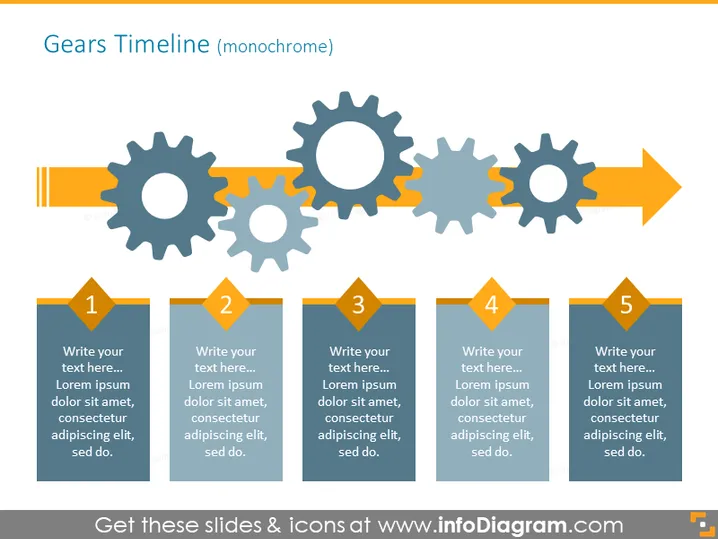
The slide portrays a "Gears Timeline" which features five sequential steps, aligned horizontally, indicated by interlocking gears above corresponding rectangular boxes. Each box contains a placeholder number (1 to 5) and text area for details, suggesting each gear represents a phase in a process with space to elaborate on that phase. For instance, "Write your text here..." is followed by "Lorem ipsum..." text, which is commonly used as a placeholder in design and publishing, simulating real content.
The slide is designed in a monochromatic color scheme, predominantly using shades of blue, gray, and orange accents, exuding a professional, clean, and organized appearance. The gears imply a mechanical or process-oriented theme, suitable for illustrating sequences or interdependencies.



