
Your graphics add a nice touch to my presentations and I recently used them for one of my all-hands meetings. Your toolbox adds professionalism to my slides. Instead of using standard clipart.
Claude Jones, Director of Engineer, @Walmartlabs, USA
Your graphics add a nice touch to my presentations and I recently used them for one of my all-hands meetings. Your toolbox adds professionalism to my slides. Instead of using standard clipart.
Claude Jones, Director of Engineer, @Walmartlabs, USA
I needed a fresh look at some of my slides. I've tried to find a way to create a paintbrush effect, to underline, accentuate, add some color and the handwritten markers were just the things. Very easy to use, easy to size, change the color. It was an affordable, perfect solution and I'm happy to recommend it.
Anonymous, US
The crisp, clean look of the graphics, and the fact that it allowed me to easily edit and change the colors to match the template was my main reason for purchasing them.
Brandie Jenkins, E-learning Developer, USA
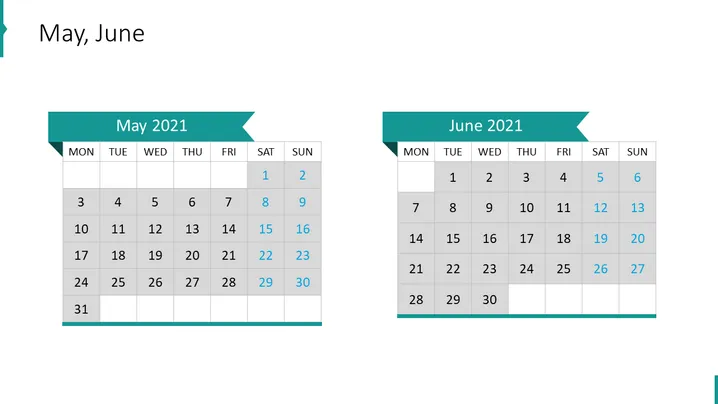
The PowerPoint slide is titled "May, June" and it consists of two calendar blocks, each representing the months May 2021 and June 2021, respectively. The calendars are laid out in a standard Monday to Sunday format, with specific dates highlighted to possibly indicate special events or milestones. Notably, the dates 8, 15, 22, and 29 in May, and 5, 12, 19, 26 in June are distinguished, which may suggest recurring weekly events or notable days within those months.
The slide design is modern and highly functional, with a focus on clarity and ease of viewing. The use of color to highlight specific dates is effective in drawing attention to important entries without overwhelming the viewer.




